
In 2002, when the idea of HD television was still very new, I purchased my first HD television, a Toshiba 57HDX82 1080p rear projection. A review of a related (but higher-end) version of that TV by David Katzmaier of Sound & Vision magazine predicated that “Television is here to stay, but the days of the tube are numbered” because of the high-resolution experience offered by the new HD technology. I remember the first time that I watched an NFL game on that television. My beloved New Orleans Saints did not look great on the field that season, but the quality of the HD broadcast was astonishingly good. It was clear to me that this was the future. I would never want to go back to watching a sports game in standard definition ever again—or any other type of program, if I had the option. Over two decades later, many of us are now watching TV in 4K instead of 1080p, and we all take HD for granted.
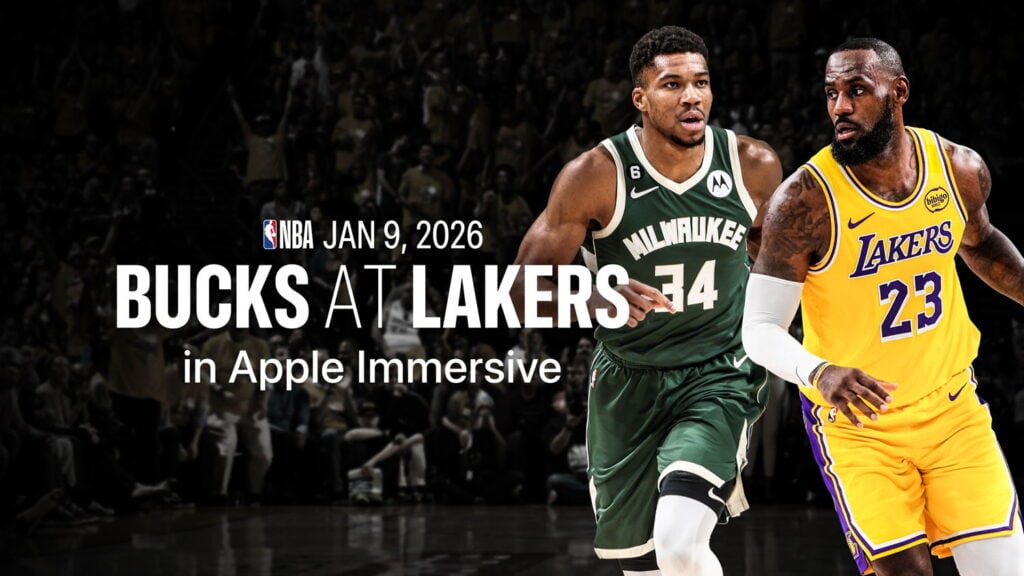
I am here to report that I have now seen the future of live sports, and it is immersive video. Apple is working with the NBA and Spectrum SportsNet to offer six Lakers games in immersive video that can be watched using an Apple Vision Pro. If you live in that Spectrum market, you could have watched the game live this past Friday night. Since yesterday morning, anyone in the world can watch a replay of the immersive game for free using the NBA app for the Apple Vision Pro. I watched it, and it was incredible. And I say that as someone who is not even an NBA fan; I have only seen a handful of live NBA games in my life, and the only player that I recognized in that game between the Los Angeles Lakers and the Milwaukee Bucks was LeBron James. For someone who is a true fan of either of those teams, I can only imagine how much better this was to watch.
With the Apple Vision Pro, you have the best seat in the house: a mid-court sideline seat. The players played the game just a few feet in front of me. Whenever I have attended a live professional sporting event, I have been in a seat up in the stands. A few times, I have been lucky enough to have a seat in a suite at the New Orleans Superdome, the New Orleans Arena, or even once at Yankee Stadium. But none of those seats were as close to the action as a courtside seat in this arena.
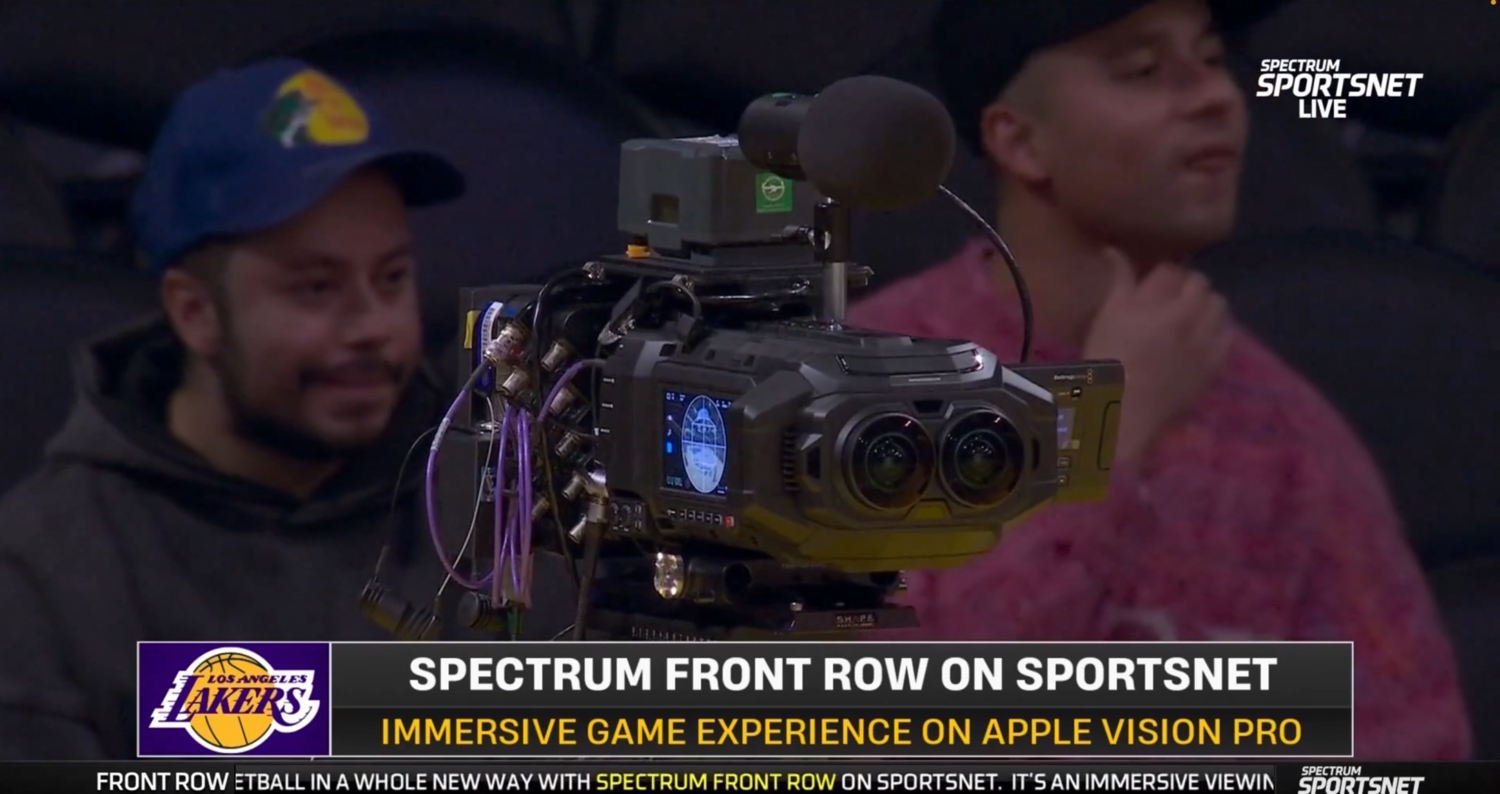
Better yet, I wasn’t limited to that seat. Apple had a number of the newest Blackmagic URSA Cine Immersive cameras in various places in the stadium. Thus, sometimes, I was mid-court, but other times, I was right behind the basket on either side—a place where you could never even purchase a ticket, at any price. Sometimes, it was a roaming camera right there on the court itself to witness the singing of the national anthem and other pre-game activities, or to watch the Lakers girls perform. Sometimes, I was high up in the stadium, taking in the entire view. Sometimes, I was in a hallway as a reporter interviewed a player. In this broadcast, just like a regular TV broadcast, I could not choose my camera angle; a director selected when to switch the cameras.
Of course, you can watch a basketball game on TV and also see the views offered by cameras close to the action. But this immersive experience was completely different because it was a 180º view. I felt like I was right there, and it gave me a new appreciation for how impressive these athletes are. I could look around and look at anything (as long as it wasn’t behind me). Thus, sometimes I would watch the game. Sometimes, I would turn my head to the left, where the coach of the Bucks, “Doc” Rivers, was just a few feet away from me, and I could see and hear him shouting to his players. Or I could look around and see the entire stadium. In an article for Forbes, David Bloom also remarked how nice it was to be able to look around:
Also lost in a traditional broadcast is all the little on-court interactions between players, coaches and referees, especially during lulls such as preparing for free throws. Not here, where you could pick out all kinds of amusing small moments, sometimes helped by microphones placed around the court. Lakers head coach J.J. Reddick, for instance, doesn’t immediately sit with players when a timeout is called, instead convening his assistants at the free-throw line before walking to the players sitting at the bench. At another point, Lakers guard Marcus Smart did his own version of a 10-second countdown during a Bucks player’s very slow free-throw process. And Hayes complains to referees, a lot, though he wasn’t alone Friday night, as refs generally seemed to swallow their whistles, allowing the game to run at high speed with a lot of physicality. (That said, refs did call enough fouls that Lakers star Luka Doncic, the NBA’s top scorer, fouled out for only the third time in his career).
In a nice touch, I could look down at the ground and see graphics showing the scoreboard, game clock, timeouts remaining, etc.—all rendered stereoscopically in 3D. It is a great place to put these graphics: they are there whenever you want them, and out of your line of sight when you don’t.
I want to show you a few pictures of this experience. The problem is that a 2D screenshot of something on the Vision Pro is always a pale imitation of what you see when you are wearing a Vision Pro. Moreover, I could not even do that for this post because the screen in the NBA app goes black whenever you take a screenshot. So I did something even worse: I loosened up my Vision Pro on my face and slid my iPhone between my eye and the lens to try to take pictures for this post. The image quality is horrible, but I’m going to share a few images anyway, and I hope it doesn’t hurt your eyes too much. You’ll have to imagine how good it looked in 3D 8K at 90 fps.
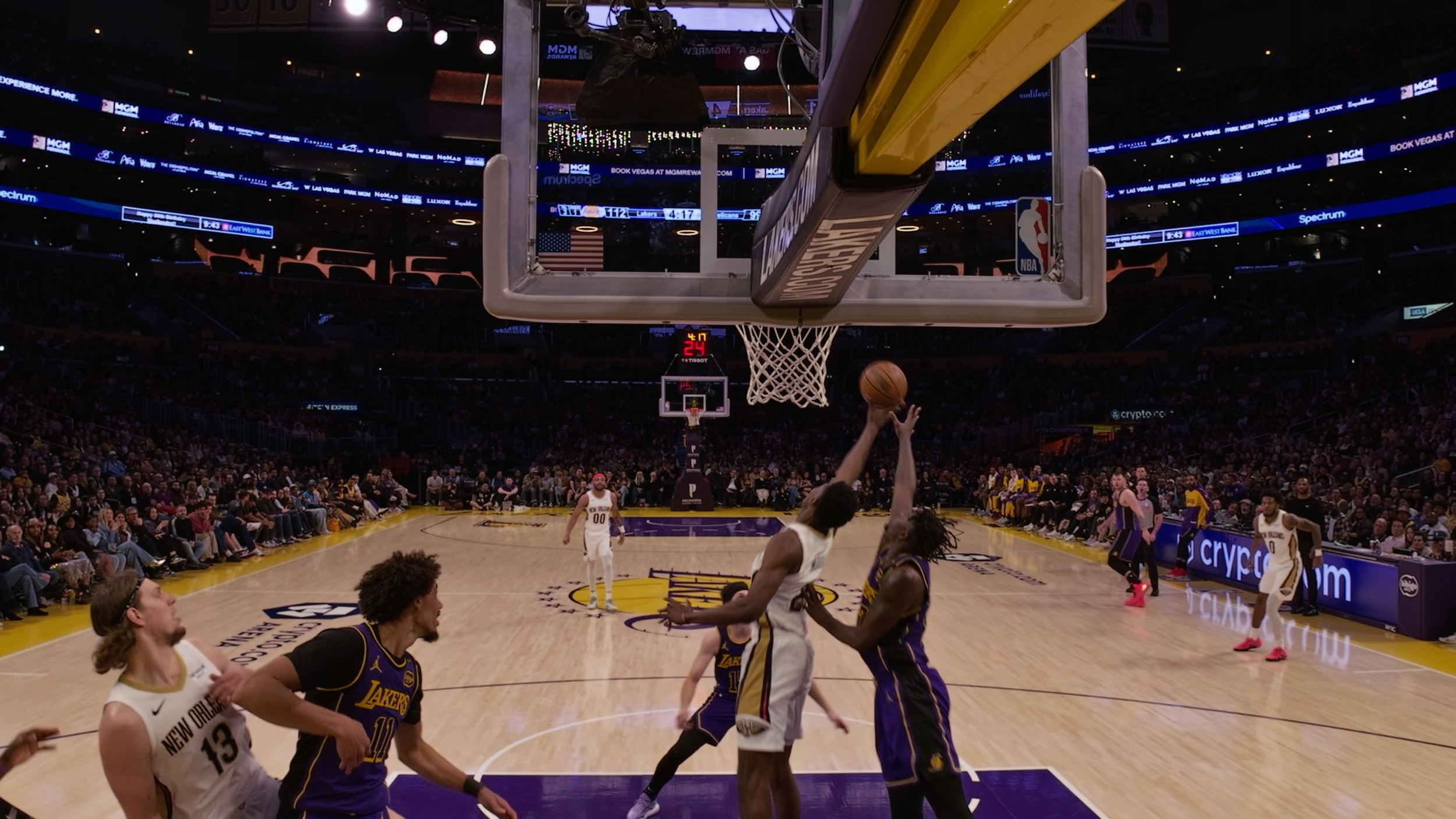
Here is a view from under one of the baskets, which gives you a sense of what a nice camera angle that was. (Ignore the warning from my Vision Pro that the device was no longer in the correct place on my face since I moved it away to make room for the iPhone.)

Here is an image of that same camera angle provided by Apple in a press release, so the image quality is far better. (Click to enlarge the picture.) I see that this image is from a prior game against my hometown team, the New Orleans Pelicans, and I wish I could have watched that one!
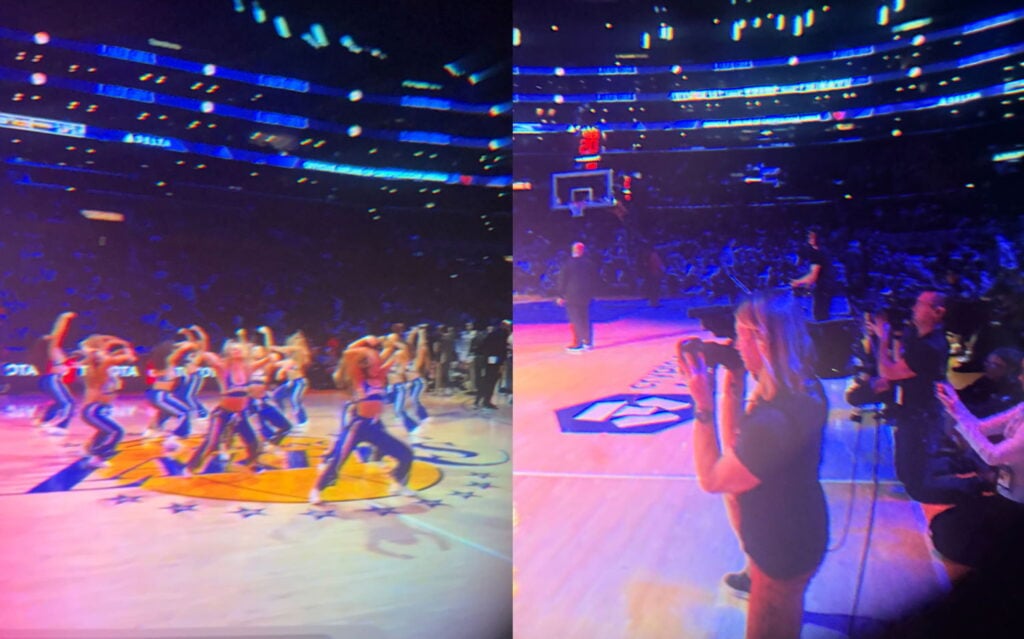
In these next photos, you can get a sense of what a great seat I had to watch the Laker Girls. Not to take anything away from their performances, but I found it just as interesting to turn to my right and see the other camera operators right next to me.
When the broadcast showed the courtside view, I could look to the other side of the court and see the rich and famous.
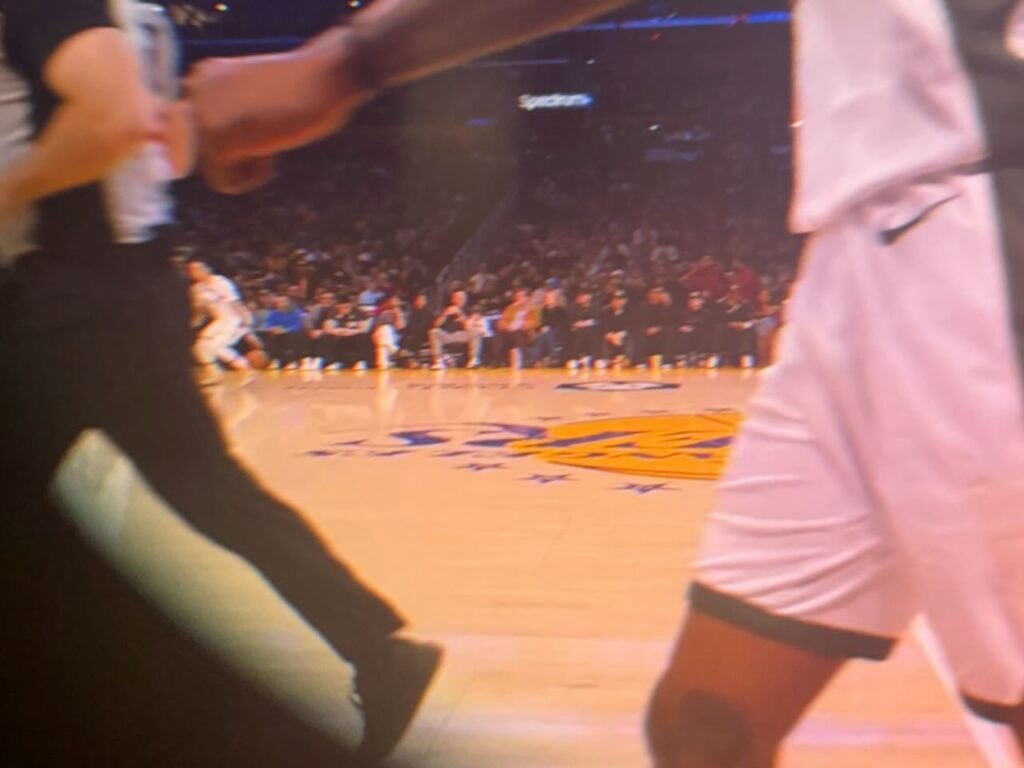
In that blurry view from my iPhone shoved next to my Vision Pro, you may not be able to make out the faces, but here is a screengrab from a TikTok video from Alex.S.Flores where you can see that it is Leonardo DiCaprio sitting next to Stephen Graham (his co-star from the movie Gangs of New York, and who I loved when he played Al Capone in the HBO show Boardwalk Empire).

If you want to see another person’s attempt to demonstrate in 2D what it was like to watch this 3D broadcast, you can check out this short video by Brad Lynch on X.
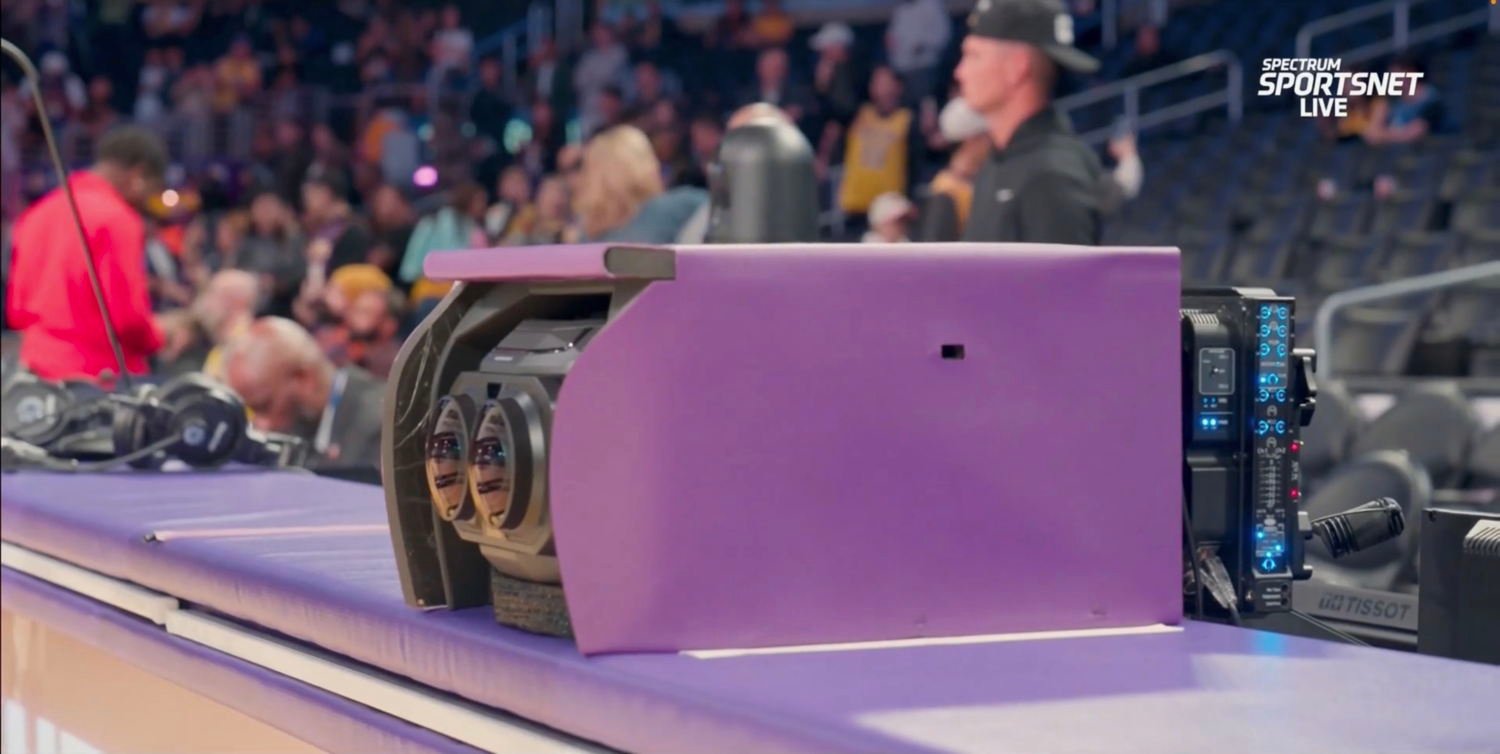
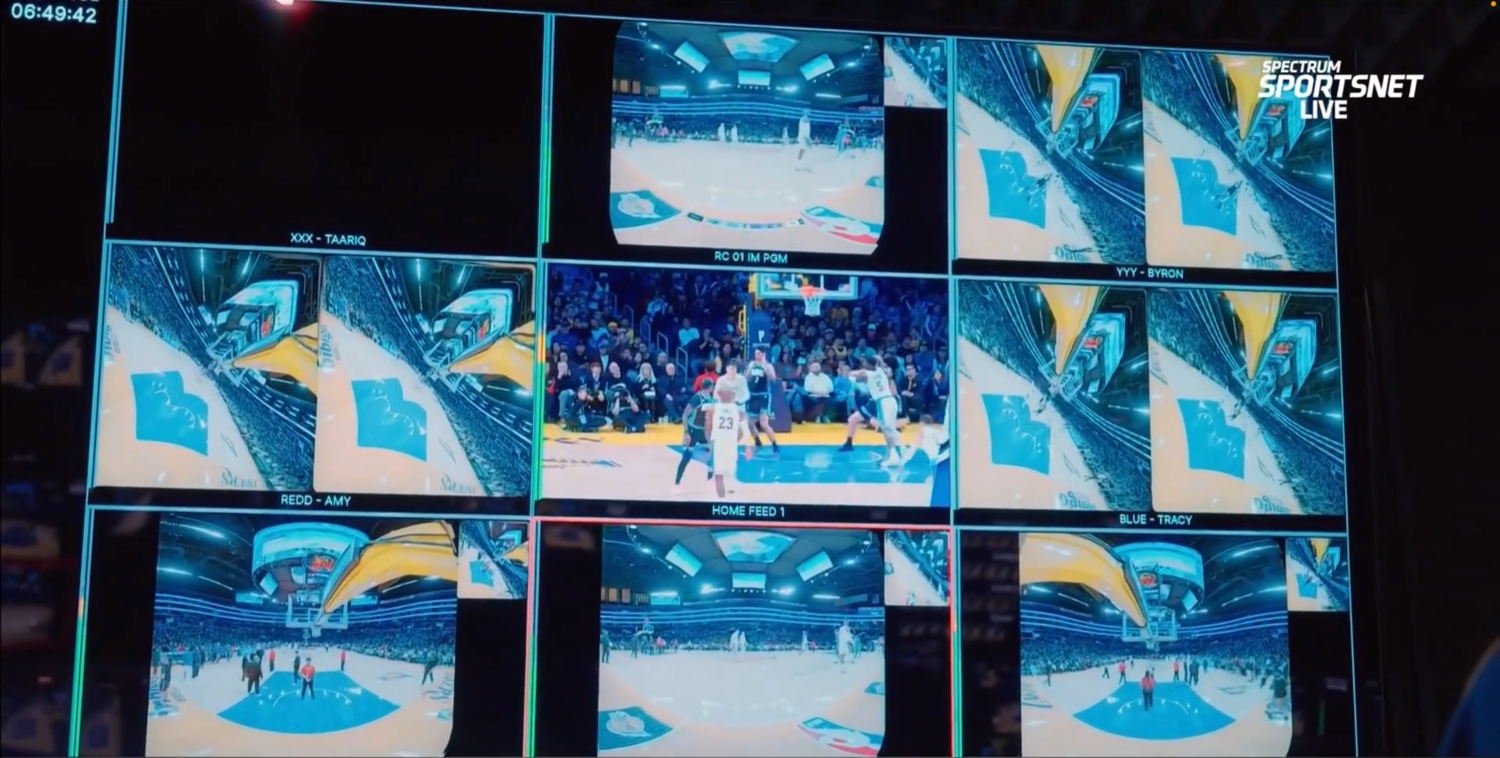
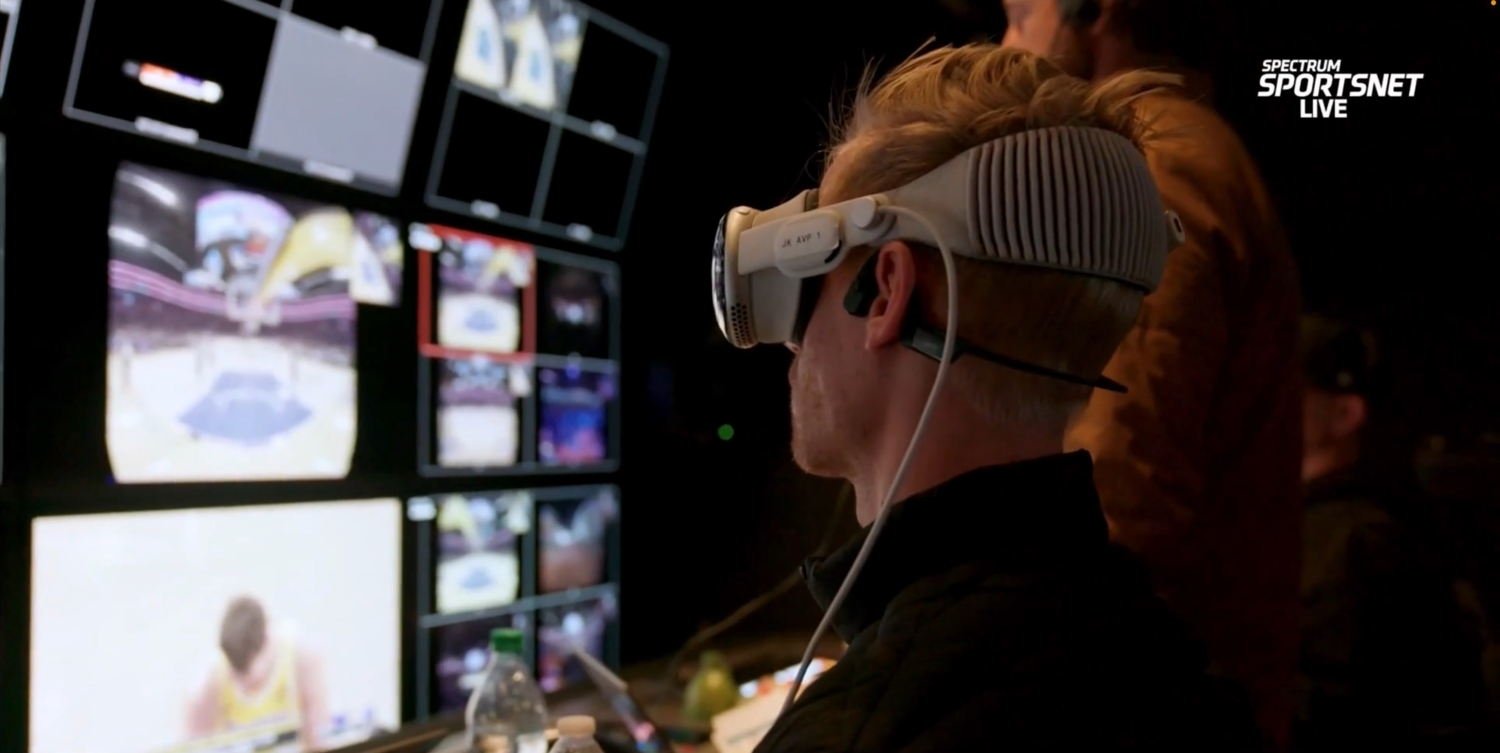
A segment that ran on Sportsnet LA right before the game on Friday night revealed some interesting details about the game. The immersive video broadcast is completely different from the broadcast shown on regular television. Apple uses its own broadcast truck with its own producer, director, and team. Apple currently uses seven cameras: three on the court, one behind each basket, one on the scorer’s table (which is the center court camera), and one that is portable. The immersive video broadcast uses its own announcers: Mark Rogondino and former Lakers player Danny Green. They were excellent, and occasionally commented on something unique to the Vision Pro experience, such as information on what you could see if you looked to the left, or right, or up, or down.
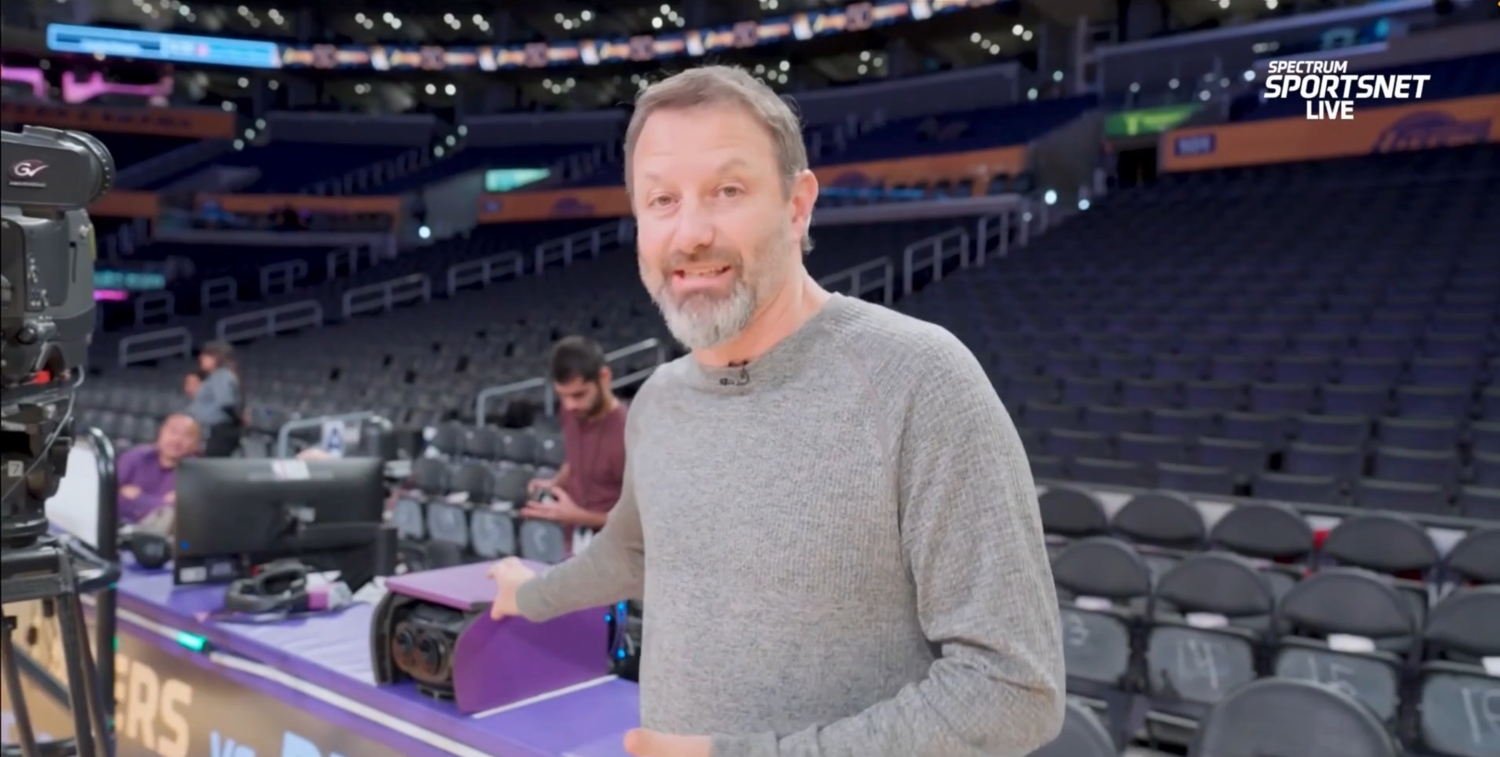
Here is Josh Earl, who is Apple’s Head of Content for Apple Immersive Video, showing off the camera on the scorer’s table :
Here is what all of the camera angles looked like in Apple’s broadcast booth. The center image appears to be a regular 2D camera; the surrounding images are from Apple’s 3D cameras:
Here is one of the Blackmagic URSA Cine Immersive cameras. They are distinctive because they use two lenses instead of one, and the lenses are round to produce the 180º view.
This was Apple’s first live immersive sports broadcast, so I noticed a few things that may change in the future. For example, Apple did show instant replays, but they were not slow-motion instant replays. The quality of the video was incredibly good, but just a tiny bit grainy compared to some of Apple’s other amazing immersive videos. This was most obvious when I looked down on the floor at the graphical scoreboard because I could see that the scoreboard graphics were crisper than the video. But to be clear, the video quality was more than good enough to thoroughly enjoy the game. The colors also seemed just a little off; as you can see from the above pictures, the purple from the Lakers’ uniforms and the painted part of the court near the basket seemed to have a bit too much blue. There were also no commercials, which I’m sure will change in the future.
There is no one else in my household who owns an Apple Vision Pro, so unlike watching a game on TV, I had no way to share the experience with anyone. Apple has a solution for this—SharePlay—and it is currently possible to share the experience of watching some types of movies with other people wearing Vision Pro devices, even if they are somewhere else in the world. I would love to see a future version of Apple Immersive Video that supports SharePlay on the Vision Pro, especially for an experience that is fun to share with others, like a live game.
Overall, I am incredibly impressed. This was a truly amazing way to watch a game. The improvement from watching sports on an SD television to an HD television was a big step up, and this is an even better improvement. Yes, the Apple Vision Pro currently costs $3,499, but that is about how much I paid in 2002 for my Toshiba 57HDX82. And I would have had to pay well over $10,000 to get sideline seats at the Crypto.com Arena for just a single game. This technology will get better and cheaper in the future, but mark my words: this is the future of watching live sports from home.
What’s a “trip” is, if you looked across to the other side of the court, you see some guy with his lady friend, and those tickets, RIGHT THERE, are like $3,000-$5,000 on average (a piece) if not more. Well if you watched on AVP, in the pas 72, basically we had a $3,000 ticket with AVP on. But I will not get that crazy, but check this, if the detail i.e. streaming pixels would have been 10x resolution, we would have felt like we we’re just right there, so essentially the “AVP ticket” to that Lakers game, we just witnessed, was worth $300-$500! IMO
Agree with everything and will add to anyone having issues watching it on the NBA app, just delete it from the Vision Pro and re download, then the option to watch the game appeared without a NBA.com subscription.
I liken this experience to owning my first Newton and realizing what it could become, the world laughed but that device became the iPhone in 2007.
Also, yes my first Sony Plasma TV was also in the 4k dollar range so the VP to me is what I expected.
I also had to delete the app and redownload it to get it to work.
-Jeff