
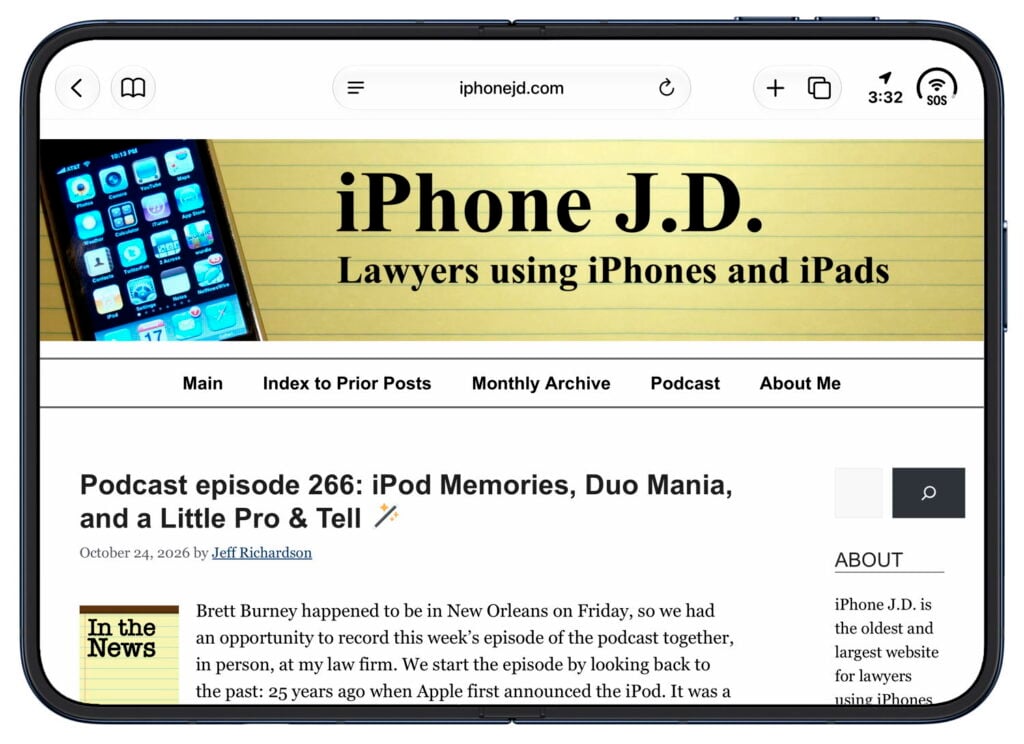
The iPhone Duo is an engineering marvel. It is a delight to use. And I’m canceling my pre-order because I absolutely do not want one.
The iPhone Duo that I ordered was scheduled to arrive next week. Rather than continuing to wait to have one in my hands, I visited my local Apple Store on Sunday, October 25th, to see if I could try a floor model for a few minutes and get a sense of this new device. Even though the store was bustling, plenty of demo units were available. As a result, I was able to spend over an hour with the iPhone Duo. I tried out every app. I opened and closed it countless times. I tried every camera, every button, every software experience that is unique to the iPhone Duo, and more. I couldn’t install third-party apps, which meant I couldn’t experience some of the apps that take full advantage of the iPhone Duo, such as Netflix, Flighty, Carrot Weather, etc. And because the demo units don’t require authentication, I couldn’t draw my own conclusion about whether the lack of Face ID is a shortcoming or whether Touch ID suffices.
As a result, this isn’t a typical iPhone J.D. review because I didn’t have the product for multiple days. And yet I don’t think that my opinion would change with more time. I am beyond impressed with this incredible device. At the same time, I have no doubt this isn’t the iPhone I would want to use, and I suspect that I am far from alone in that opinion.
The iPhone Duo is too small
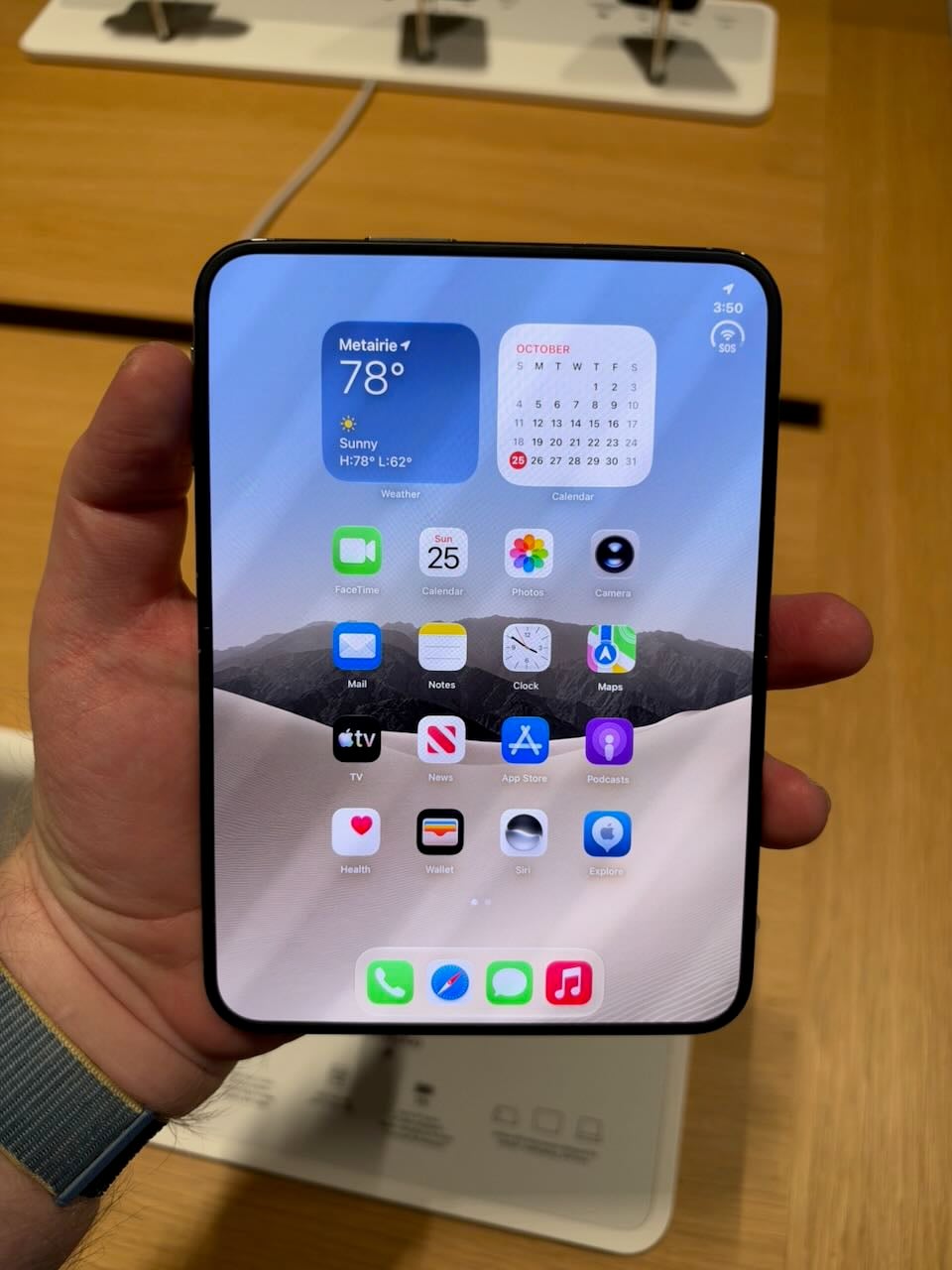
The iPhone Duo is not a good iPhone because the screen is too small. The passport size does have some advantages. For example, when I put the Duo in a shirt pocket, it fits completely without any part sticking out. It reminds me of using a Palm device long ago. It’s a great size for a shirt pocket or a pants pocket. But when you remove the device from a pocket, the screen is too small.
When closed, the iPhone Duo is just a tad wider than my iPhone 18 Pro Max. However, it feels narrower because the right side of the screen holds menu items. The height, by contrast, is significantly shorter no matter how you measure it. As a result, when you are looking at information on the screen, you just cannot see that much at a time.
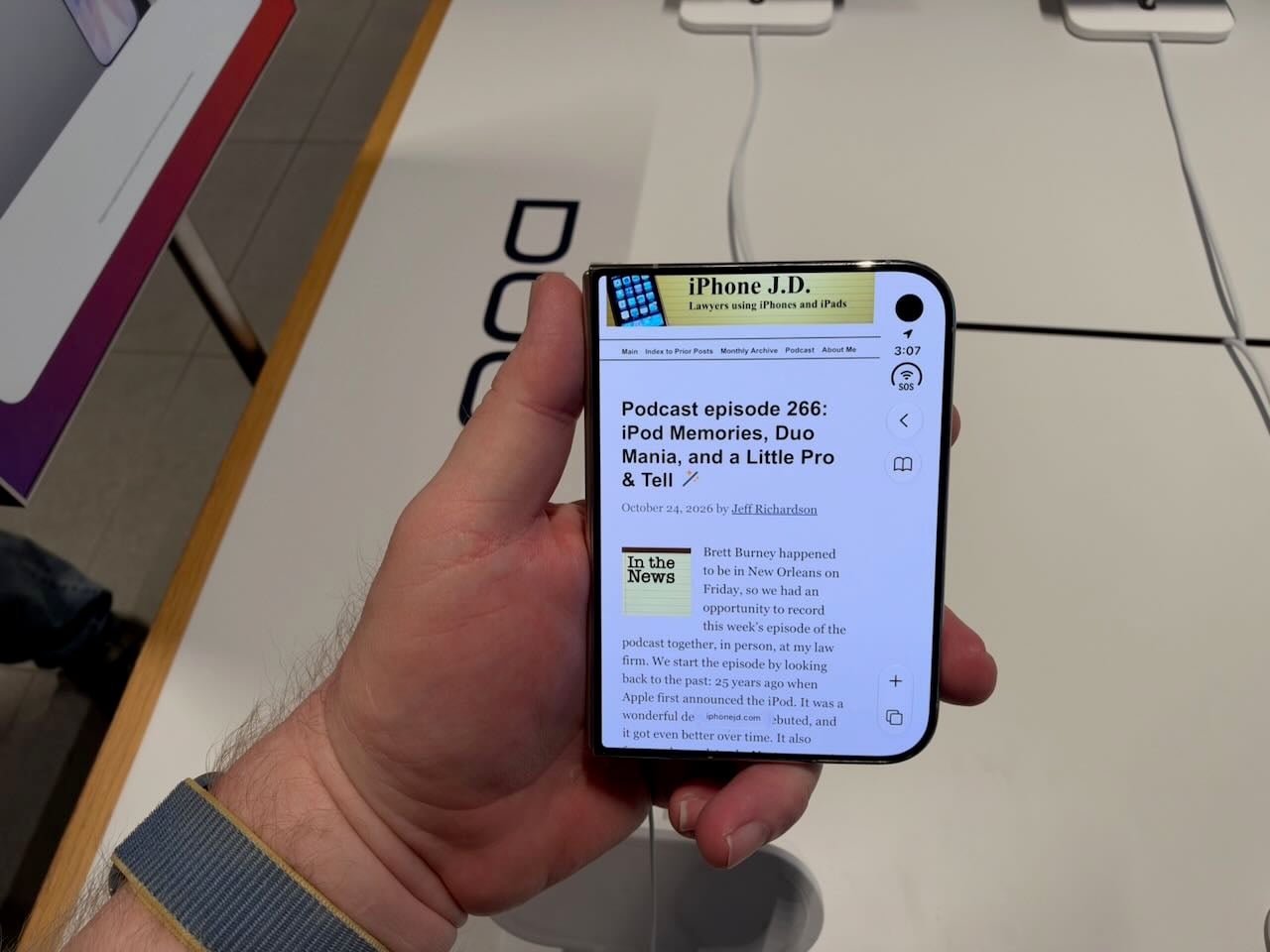
As someone who has used the “Max” model for a few years now, I’m used to a larger iPhone that can display more information. The contrast with the Duo is stark. If your iPhone’s lock screen is similar to mine, with a clock near the top, imagine if the height of your iPhone were limited to everything below the clock, plus narrower. It’s a severe limitation.
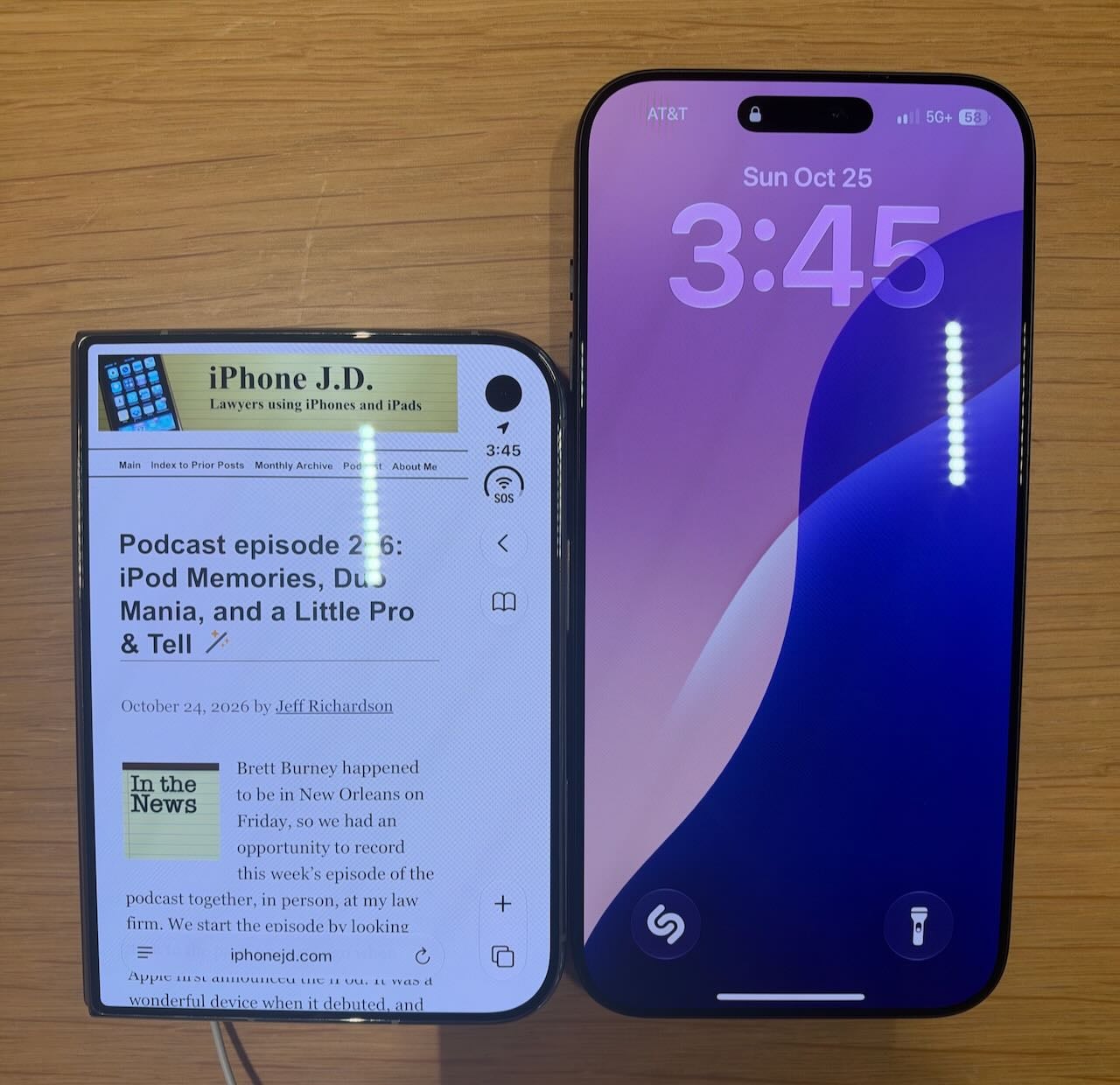
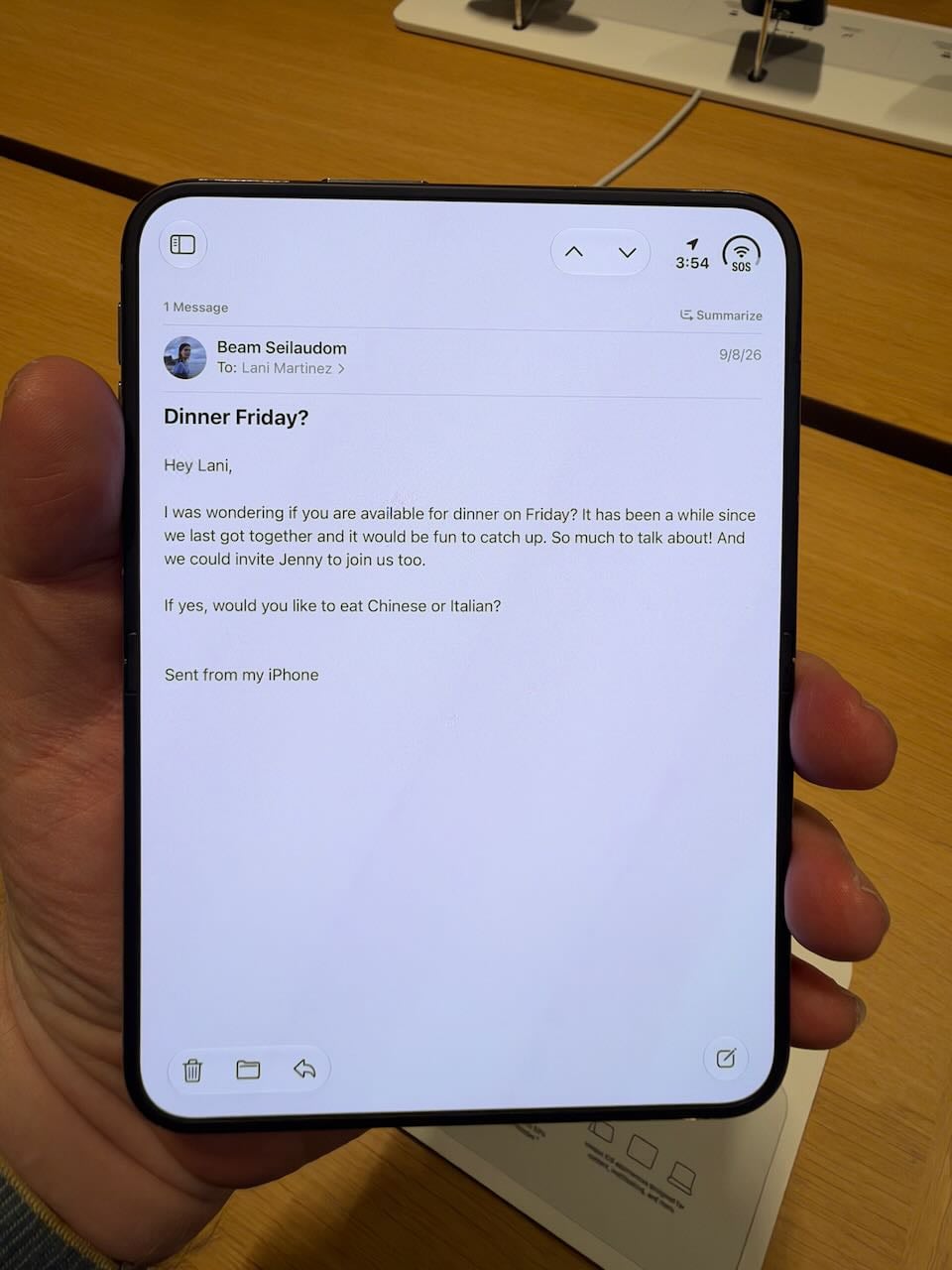
The experience of using apps that I use all of the time on my iPhone—Mail, Safari, Photos, Calendar, etc.—was significantly worse because of the small size of the iPhone screen. Using the iPhone Duo reminded me of examples John Gruber shared in his review, in which he noted that some apps become downright confusing to use because it is hard to find critical buttons on a screen this small.
If I were to make the iPhone Duo my main iPhone, I would be frustrated every day.
No telephoto lens
In 2023, Apple introduced the iPhone 15 Pro Max with a 5x optical zoom lens. It made a big difference and allowed you to capture many photos that were impossible with other iPhone models. If you have been using an iPhone with a telephoto lens for the past few years, as I have, you know how useful it is.
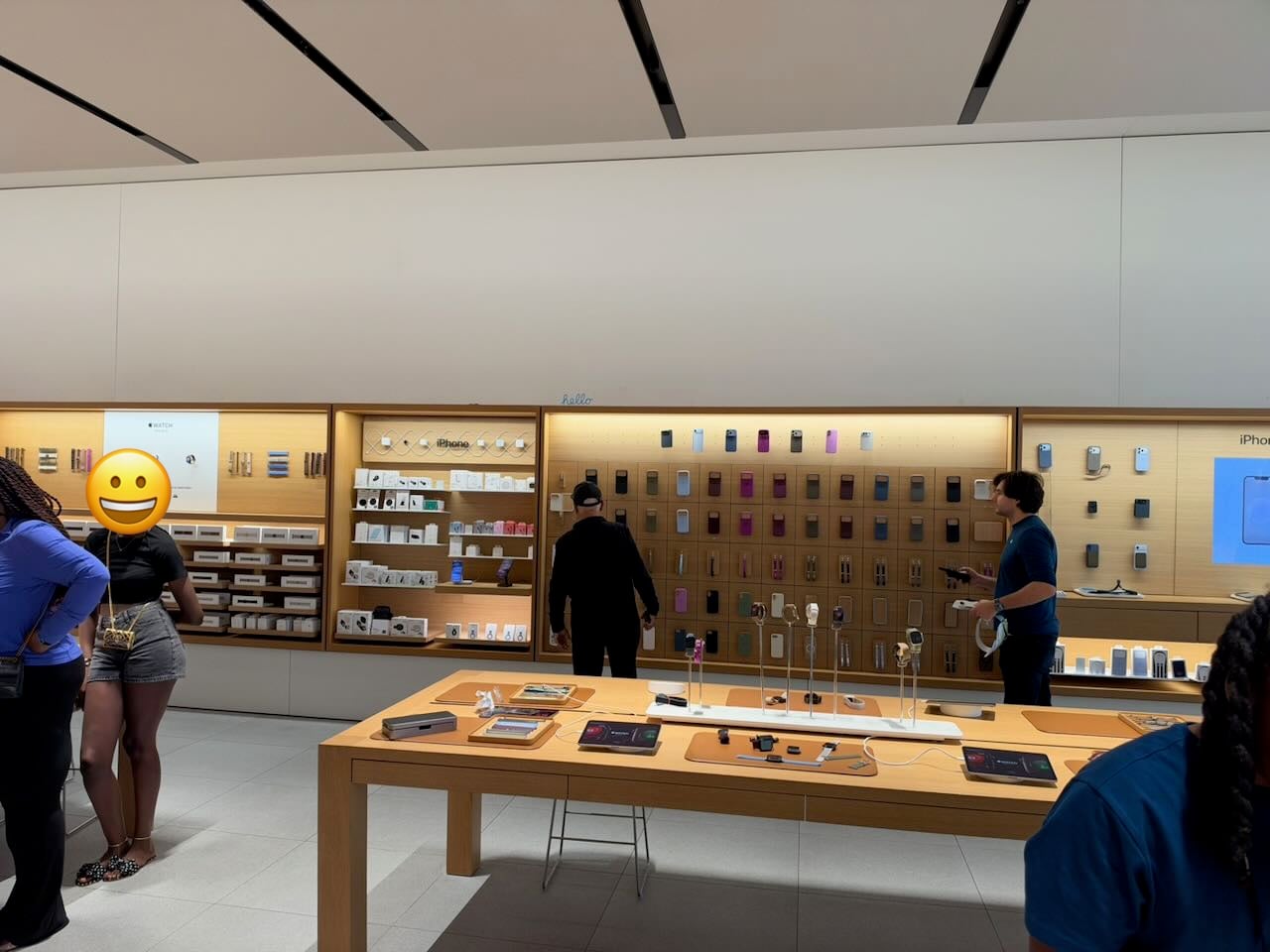
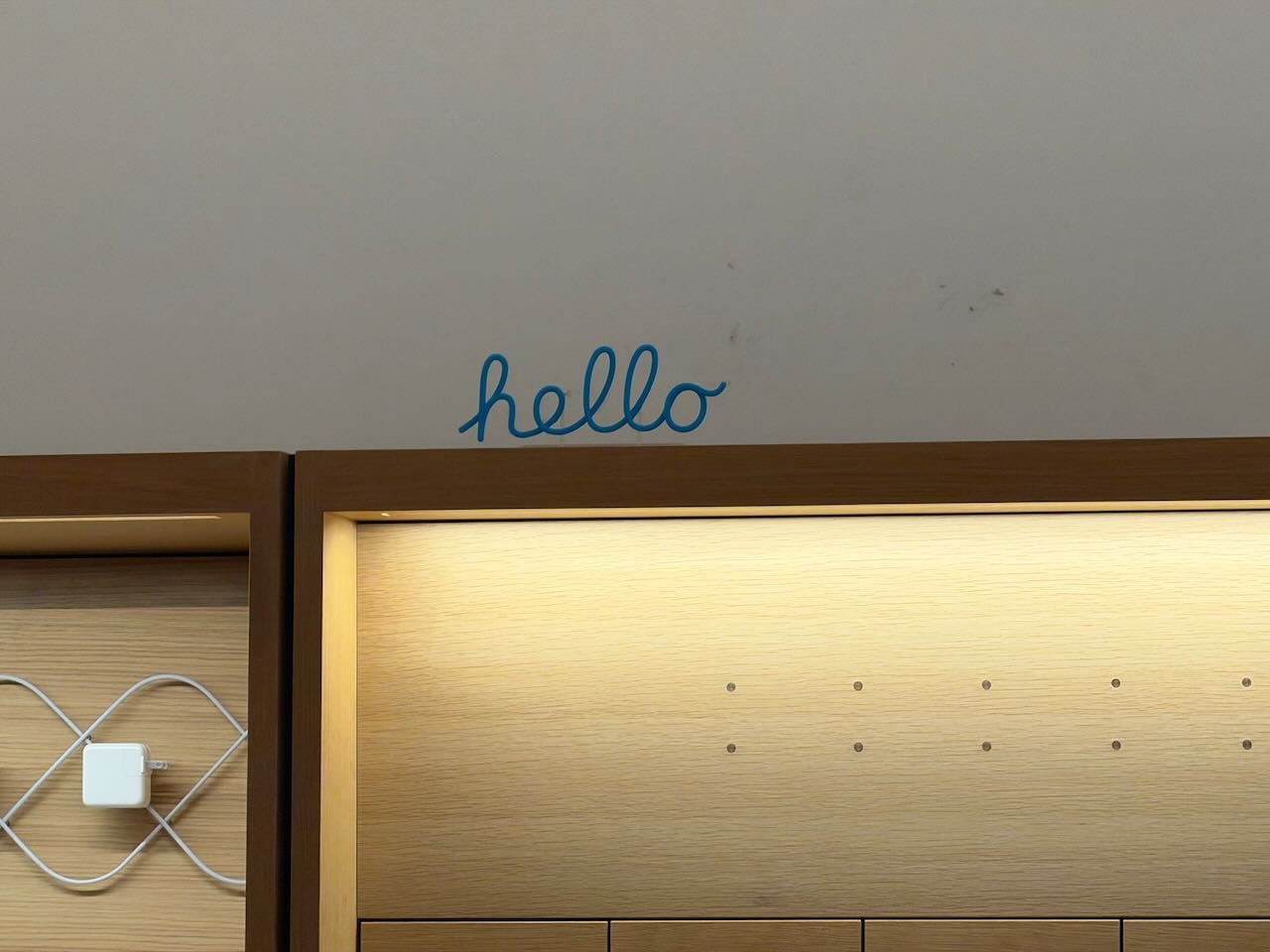
I believe every Apple Store now has a small “hello” sign on the wall, placed there so you can try out a telephoto lens. Here are two pictures taken with my iPhone 18 Pro Max: one at 1X and one at 8X. The telephoto lens makes a substantial difference:
The iPhone Duo has only two camera lenses: the Main camera and the Ultra Wide camera. So, when you want to zoom in, your only option is 2X, which is just a crop of the 1X image. Here are two pictures taken with an iPhone Duo, one that is 1X and one that is 2X:
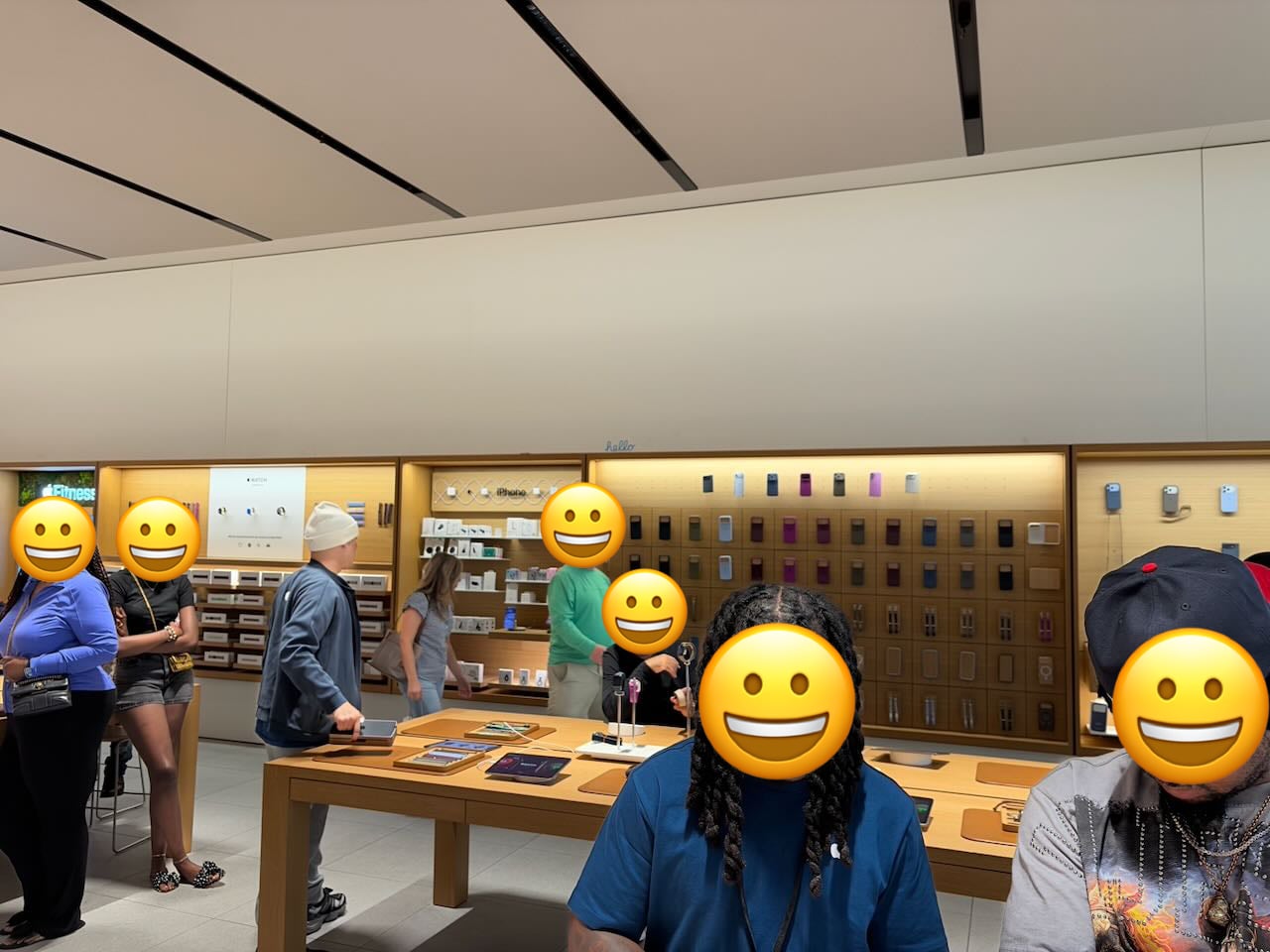
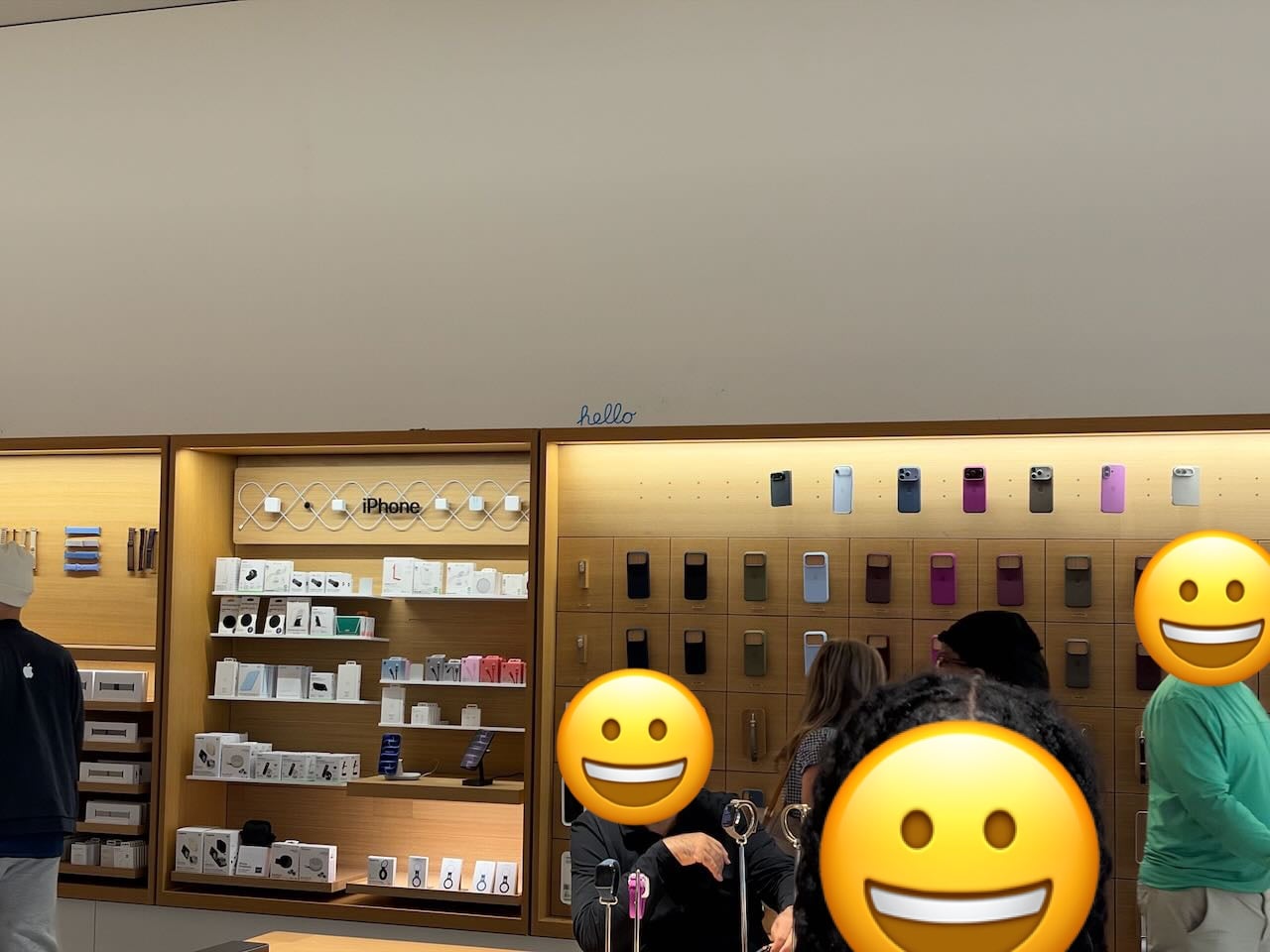
If you have never used an iPhone with a telephoto lens, then I guess that this won’t be a noticeable omission for you. But I love taking photos with my iPhone, and I often use the telephoto lens, so I would be unhappy using a device like an iPhone Duo that lacks it.
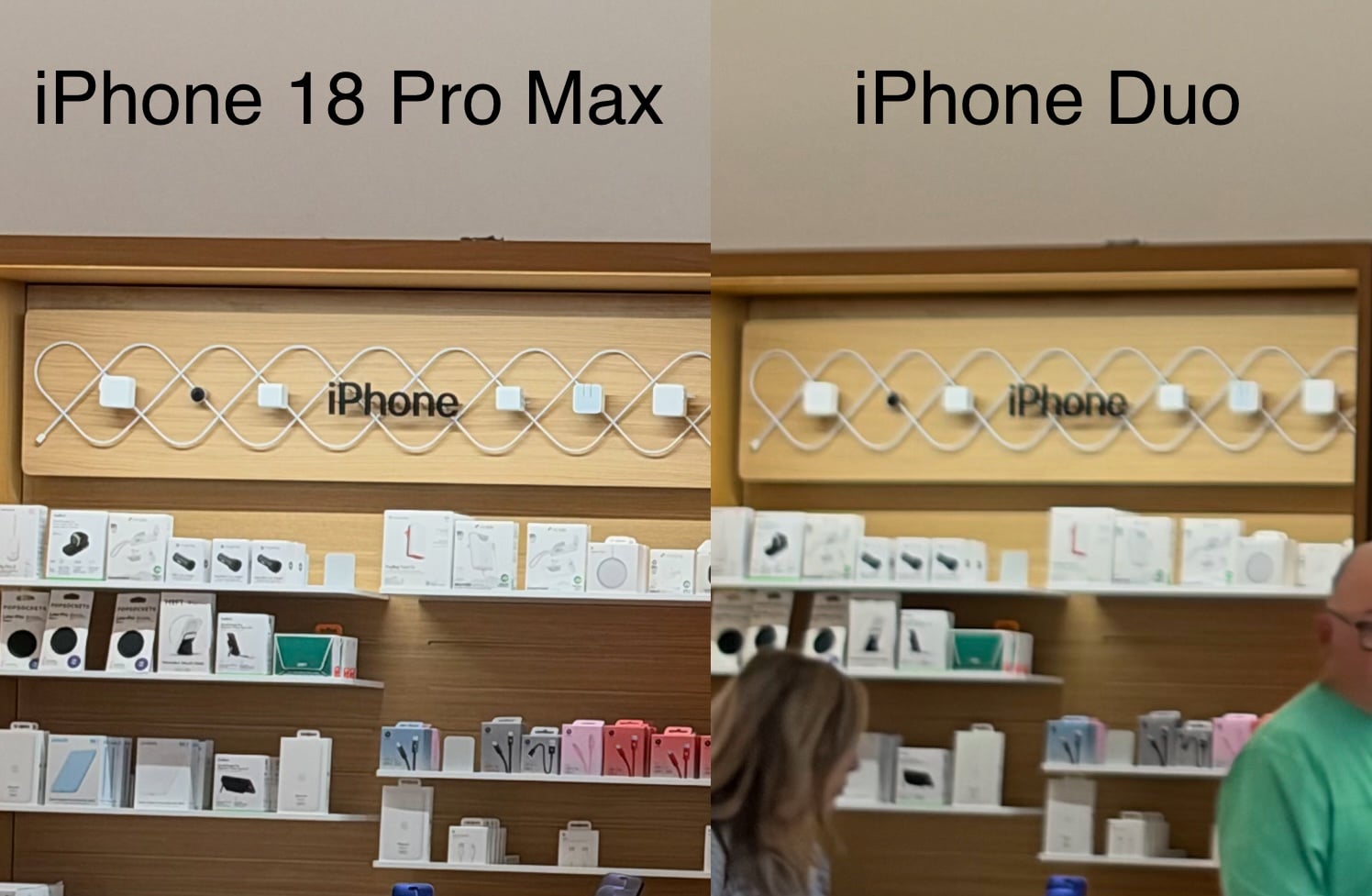
The omission of the telephoto lens is not the only camera difference between an iPhone Duo and an iPhone 18 Pro Max. The Main lens on the iPhone Duo is not as good as the Main lens Apple introduced with the iPhone 18 Pro Max. Of course, it lacks variable aperture. But even in bright light, you can still tell the Main lens isn’t as good. Here is a side-by-side view of cropped versions of two of the above images. I took both pictures standing in the same location. The picture taken with my iPhone 18 Pro Max has far more detail.
I know that I am spoiled by the iPhone 18 Pro’s cameras. If you are upgrading to an iPhone Duo from an iPhone that is a few years old, then the cameras on the iPhone Duo won’t seem like a step back. On the other hand, if using an iPhone’s camera is important to you, the iPhone Duo is a letdown.
The iPhone Duo is wonderfully large … sometimes
Of course, using the iPhone Duo with the screen closed is not the point. The device urges you to unfold it so that you can expand the screen. And when you do, you get a wonderful, wide, easy-to-hold screen.
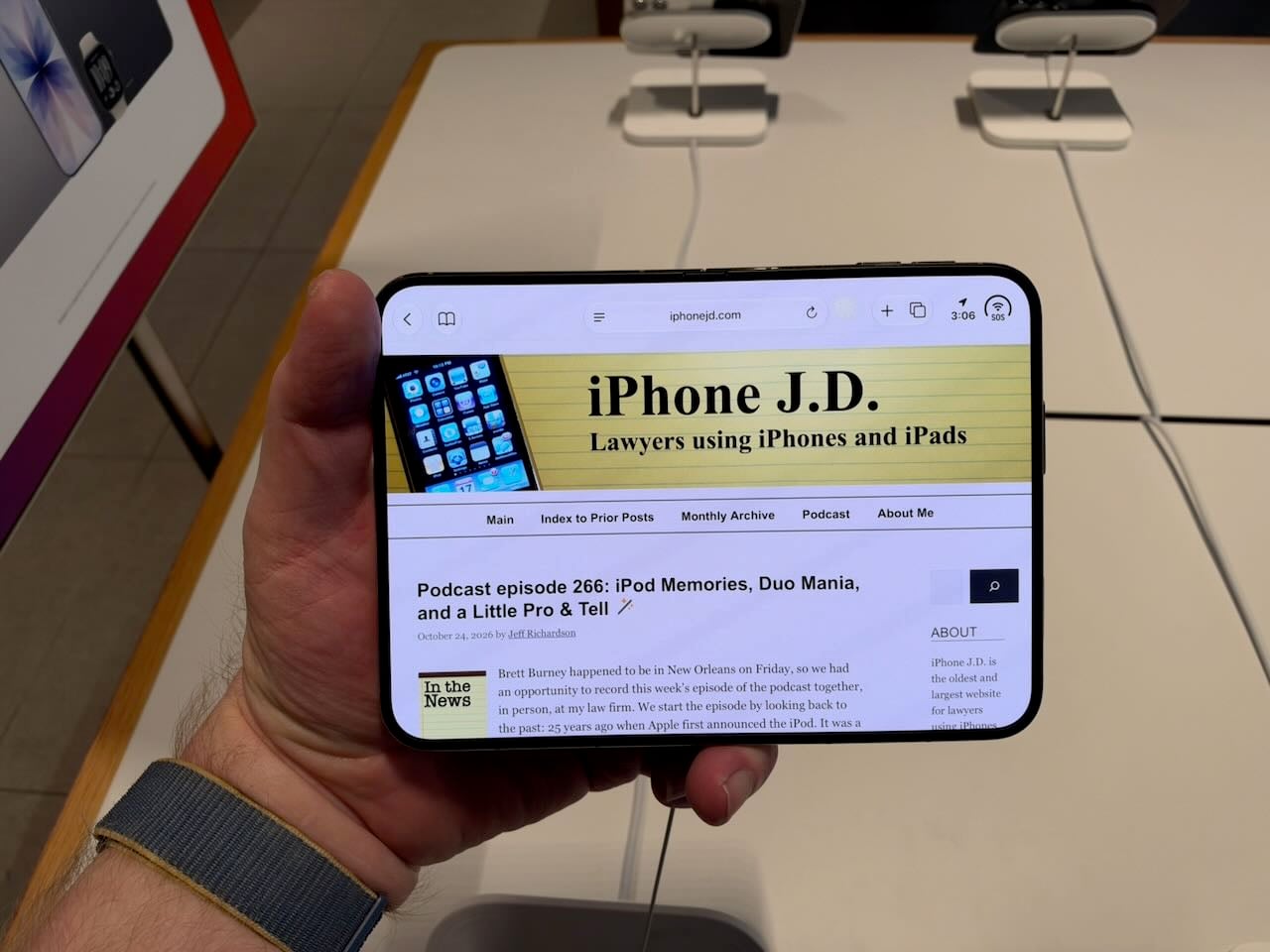
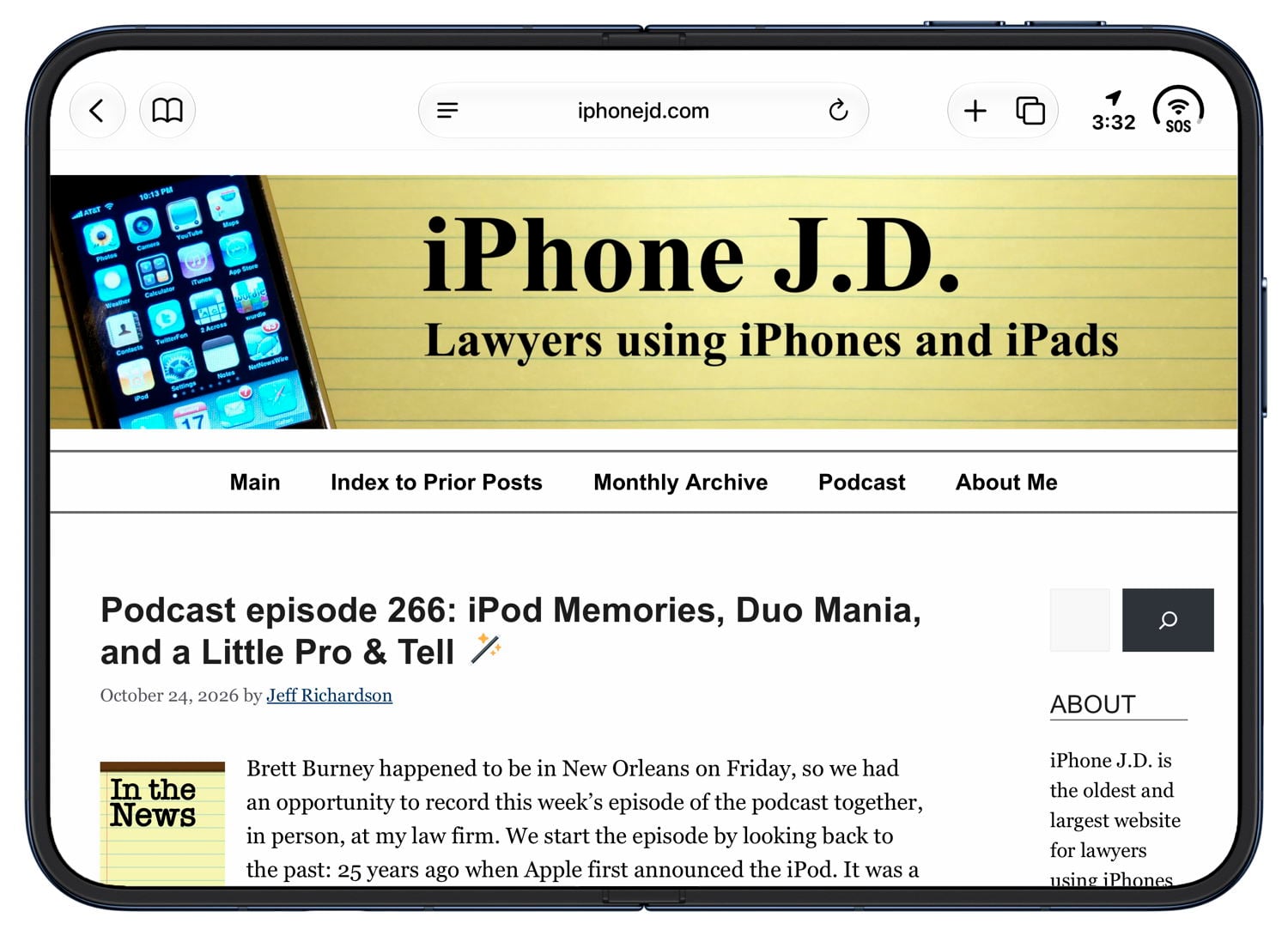
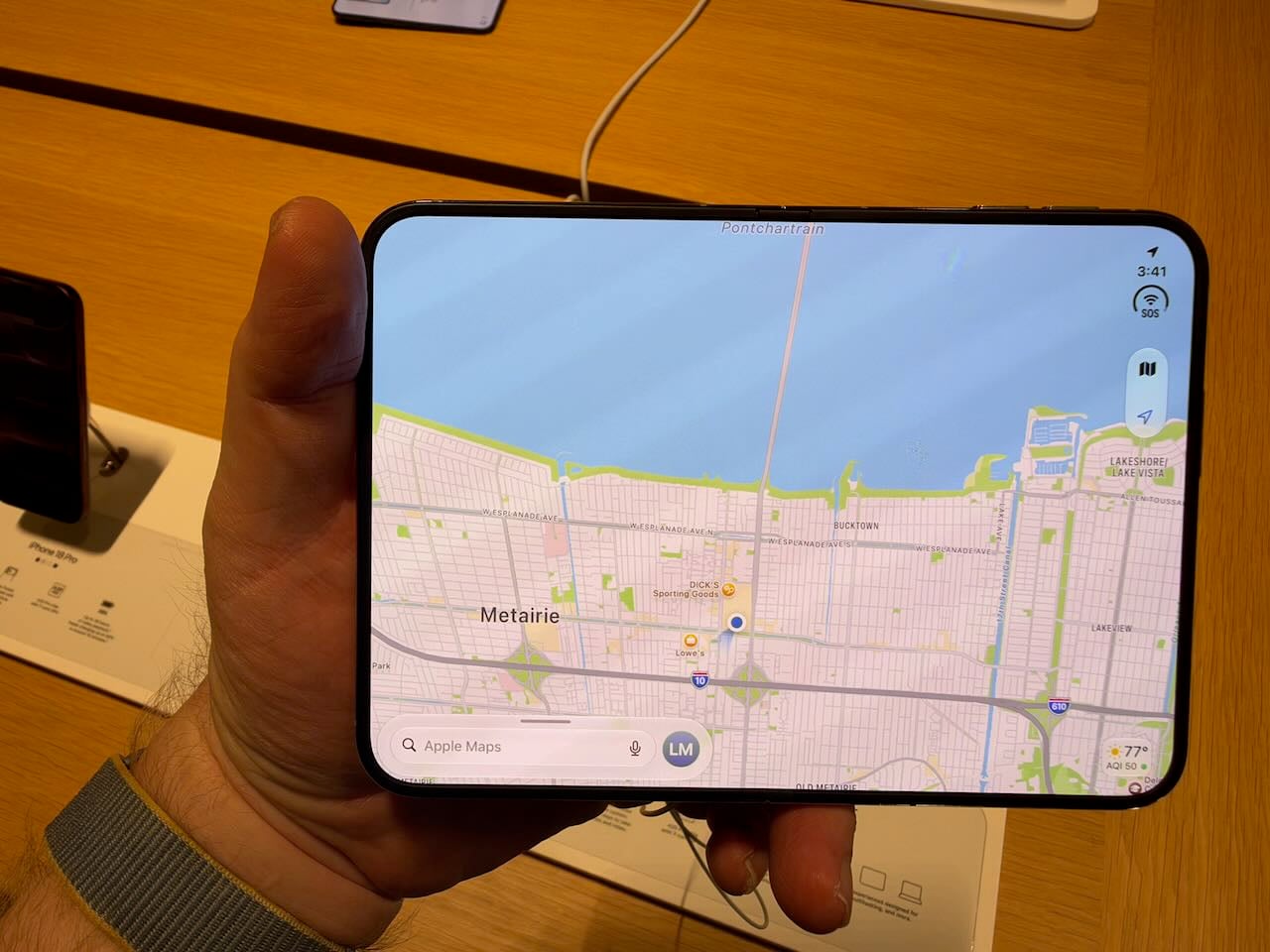
For some apps, like Safari, the wide screen is really nice and very useful. I often find myself using my iPhone and wishing—even with the larger screen of my iPhone 18 Pro Max—for more screen real estate. You get that with an unfolded iPhone Duo. The Maps app also looks great in this larger size.
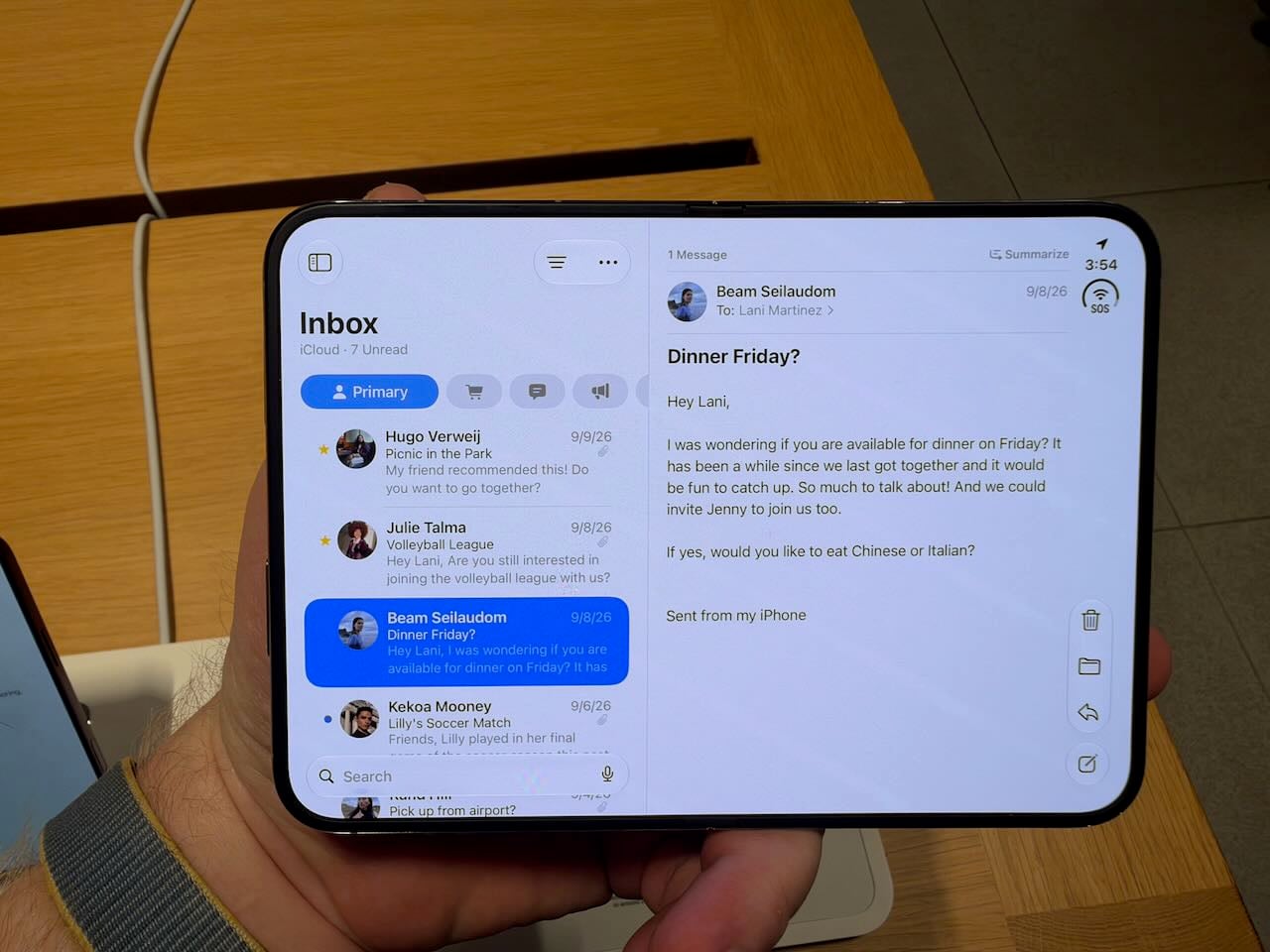
Having said that, for other apps, I found the larger screen to be less useful. In Mail, for example, you get an iPad-like experience with a list of emails on the left and one email on the right. However, in the list, you only see a few different emails. Given how frequently I scroll up and down to find a specific email, the shorter list would frustrate me. This layout works much better on the larger screen of an iPad, especially a 13" iPad.
When the iPhone Duo is turned into portrait position, I don’t see any advantage at all to the larger size in the Mail app. If anything, it feels awkward.
I do like how the iPhone Duo handles multitasking when the inner screen is in landscape orientation. You can place two apps side by side. Each app’s screen is too small, which is the same problem I have with all apps when the iPhone Duo is closed. But aside from that, it is easy to place one app on the left and one on the right so you can use two apps at once, and it is useful to have simultaneous access to two apps.
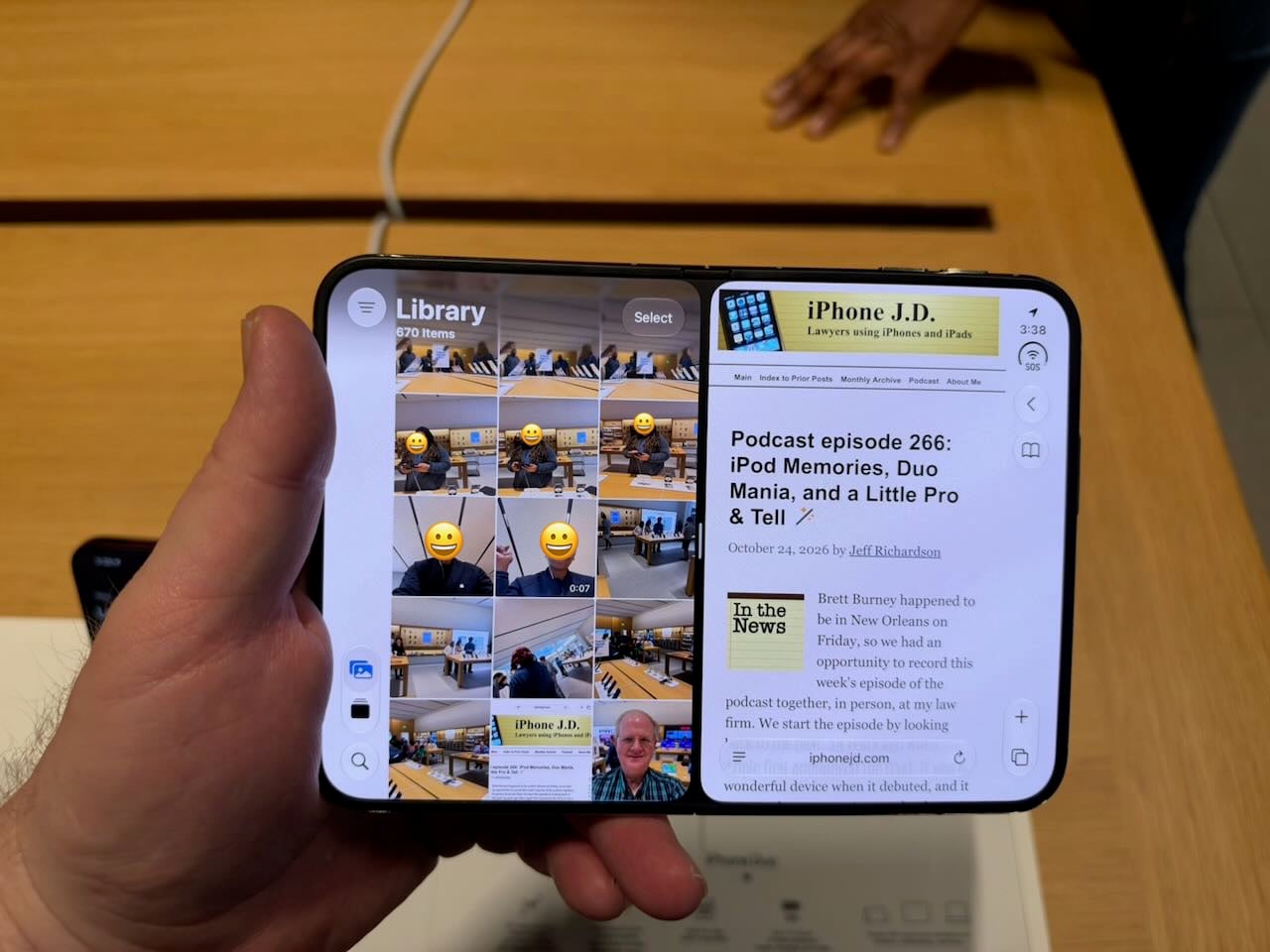
In this side-by-side mode, the default is a black bar between the two apps, so each app is independent. But if you press the small gray bar in the middle of the screen for a second or two, that black bar turns gray. At that point, the two apps are paired. You can switch to a different app or the Home screen, and when you return to one of those apps, the other is there as well. This system is very well implemented.
Note, however, that even though the larger screen of an unfolded iPhone Duo is often wonderful, you no longer feel like you are using an iPhone. You feel like you are using a small iPad. This is very different from the Max version of an iPhone, in which you get the iPhone experience with a larger screen. This is transforming an iPhone into an iPad, so you lose the iPhone experience.
The 1/2 home screen
When the iPhone Duo is open and you look at the Home screen, it fills the screen. That is what you would expect. But if you swipe from right to left, the iPhone Duo doesn’t operate like an iPad. Instead of the entire screen moving left, the right half moves over to the left half. Thus, you need to swipe twice to completely replace what is on the screen. It felt wrong to me. And I don’t understand the point. If I swipe the home screen, I want to see more items. I don’t want to see just half of the new items. I understand the logic that Apple used to design it this way, and perhaps you get used to it over time. But I don’t like it.
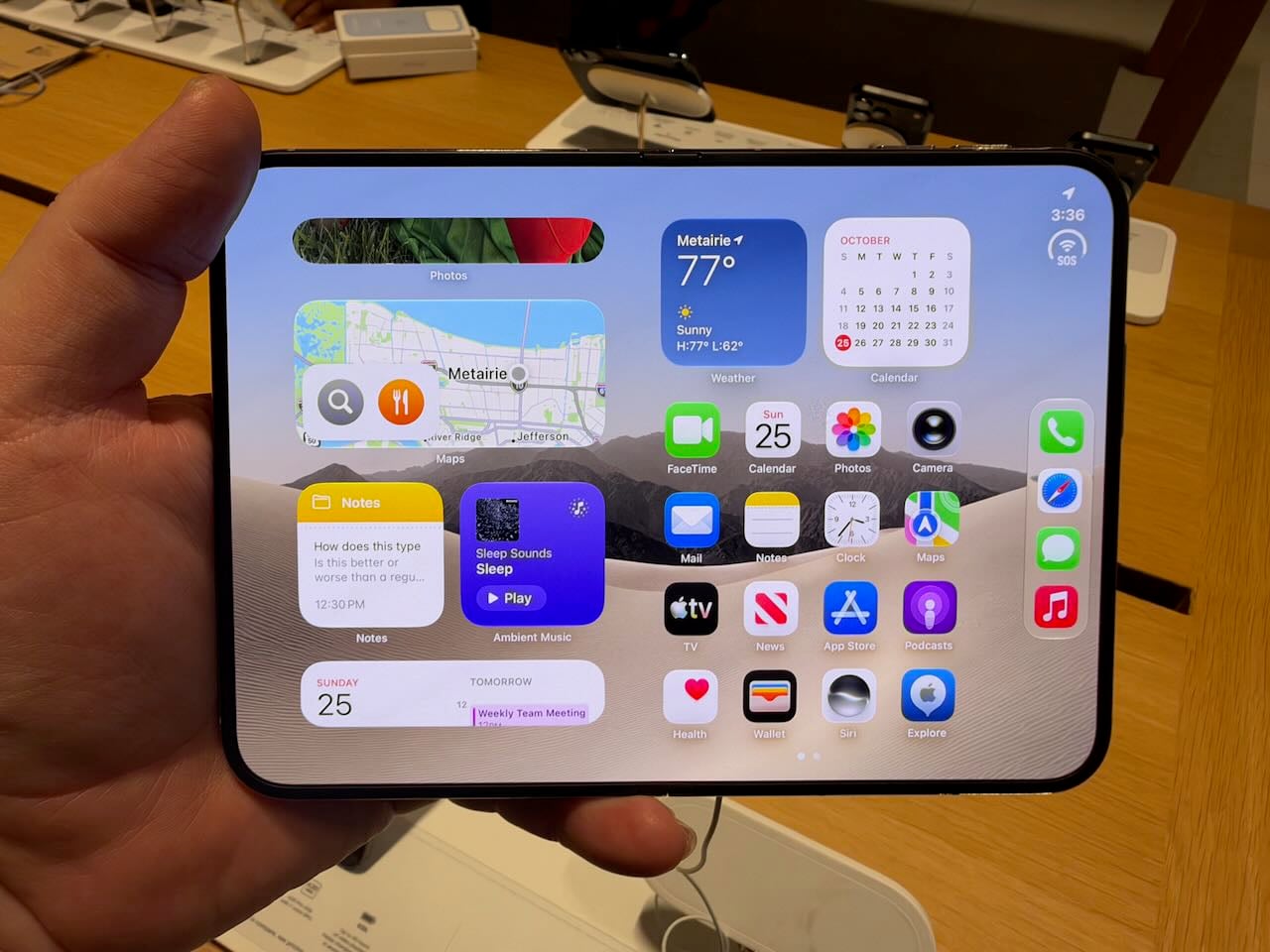
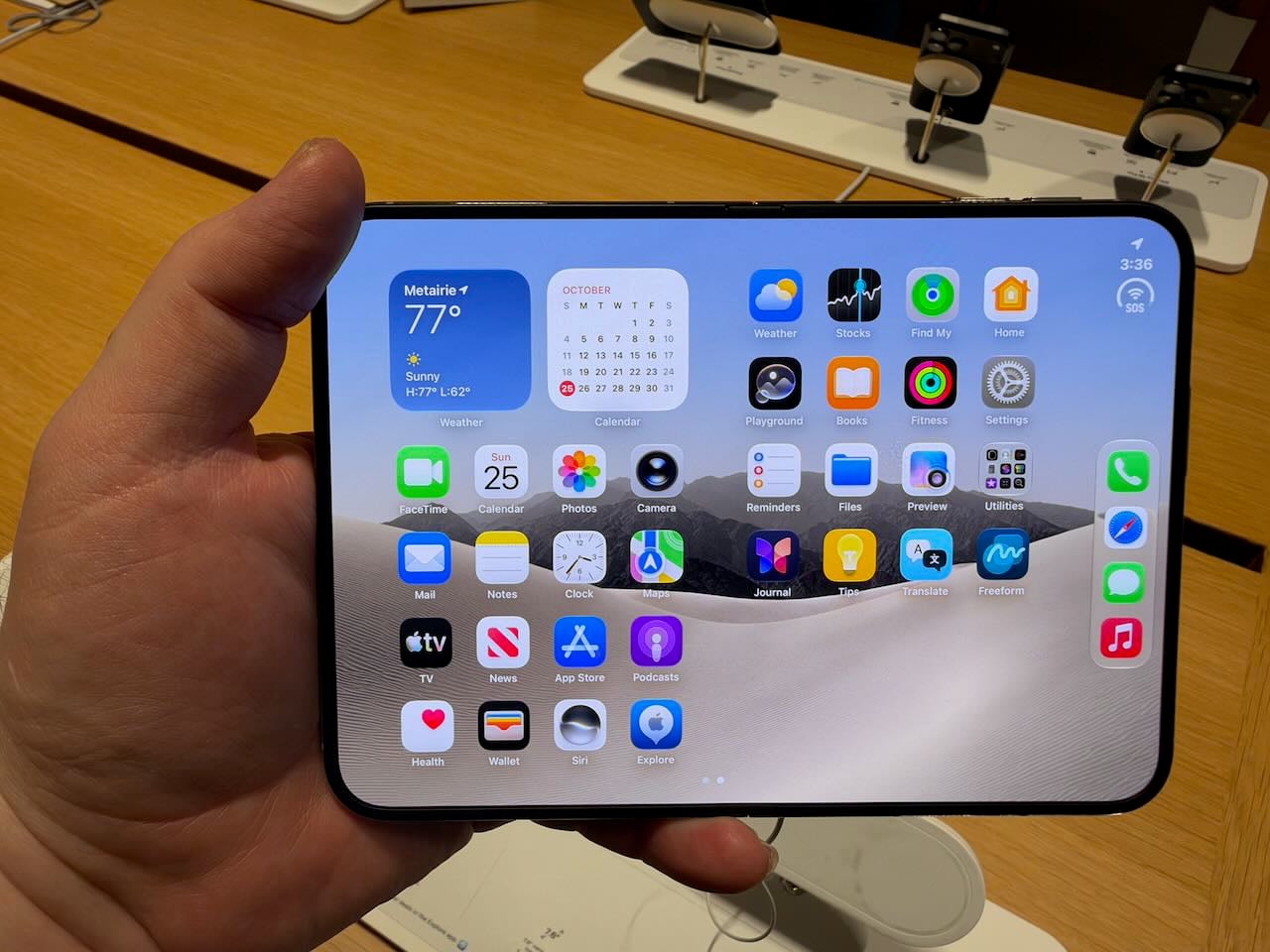
When you turn the iPhone Duo to portrait mode, the Home screen becomes even more perplexing. Look at all of the wasted space on the sides. I guess Apple is trying to make the iPhone Duo in portrait mode look as close as possible to the single screen of the iPhone Duo when the device is closed, but I don’t think that is the right approach.
The iPhone Duo is delightful
If you enjoy technology gadgets, there is so much to love with the iPhone Duo. Opening and closing the device is a delight. I did it countless times, and it brought me joy every time. Apple’s hardware engineers figured out the best way to optimize the experience, and the software engineers created a beautiful effect that makes the outside screen, when the iPhone is closed, morph into the inside screen when the iPhone is opened. This effect appears in virtually every iPhone Duo video, so I suspect you have seen it by now. It is even better in person.
If you are the sort of person who appreciates something to play with in your hands, the iPhone Duo is the ultimate fidget spinner.
When the iPhone Duo is only partially closed, I cannot help but smile at seeing the information on the two screens. For example, the Books app feels like, well, a book. I’m not sure how practical this is, but it sure is fun.
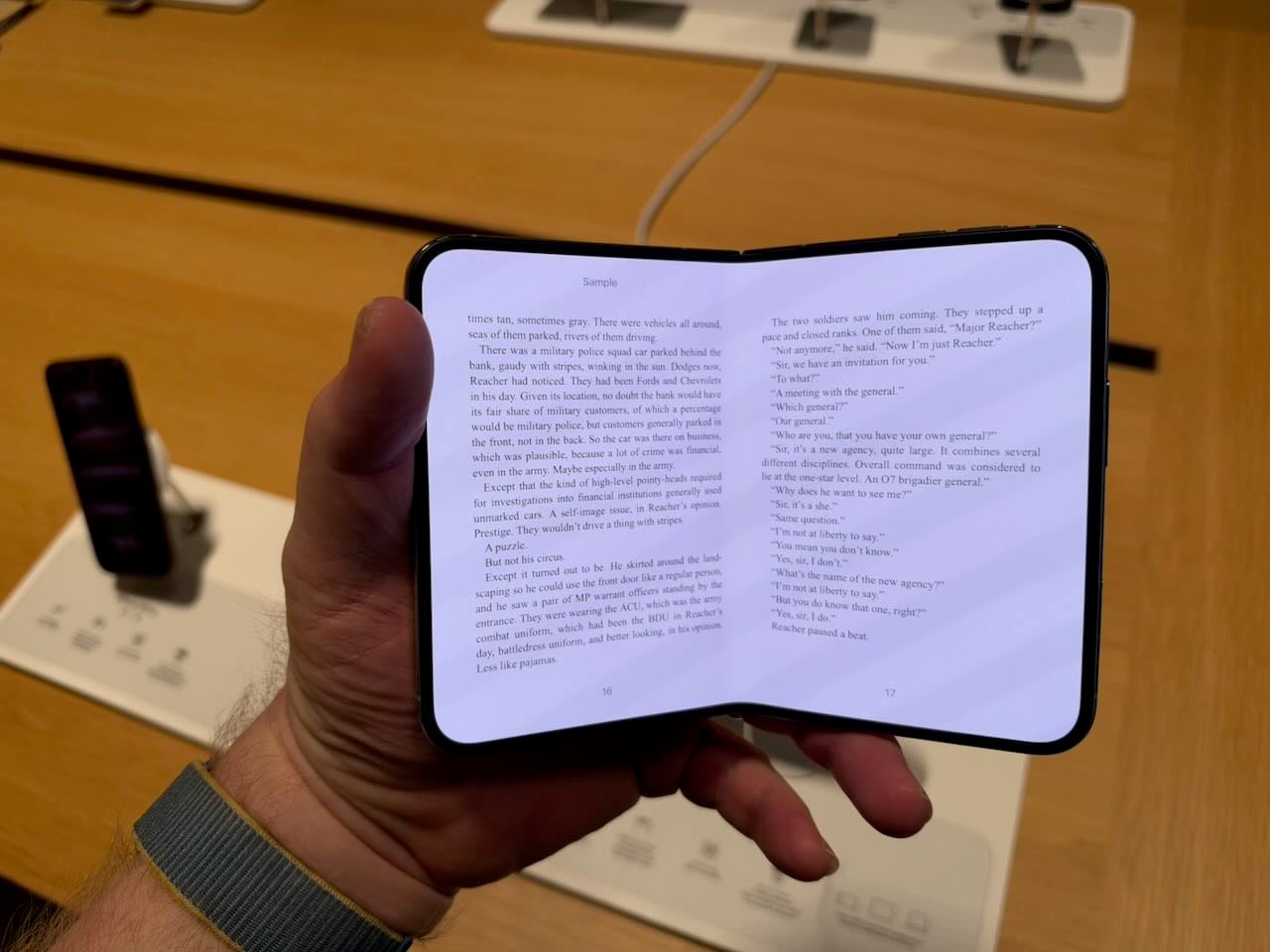
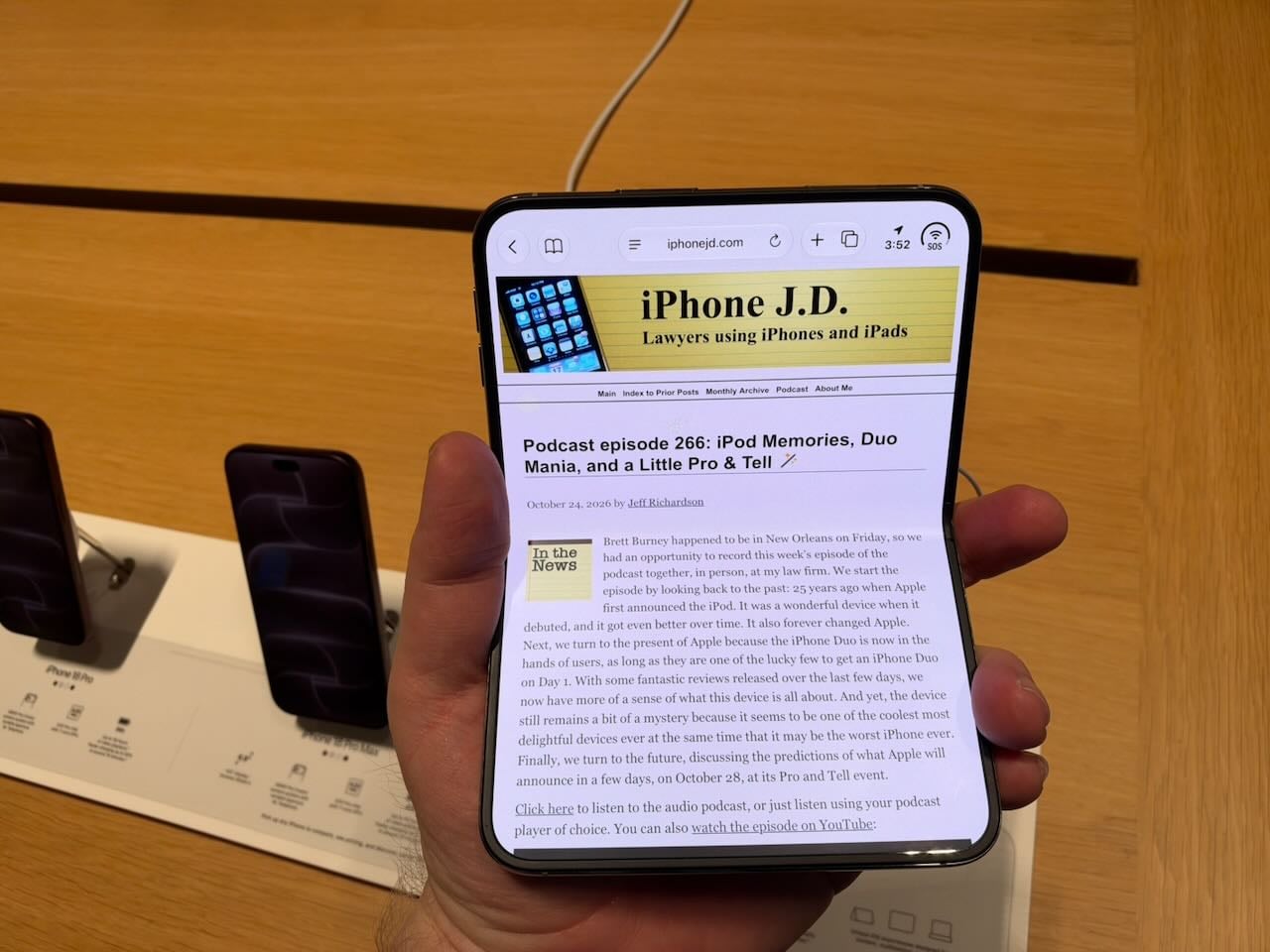
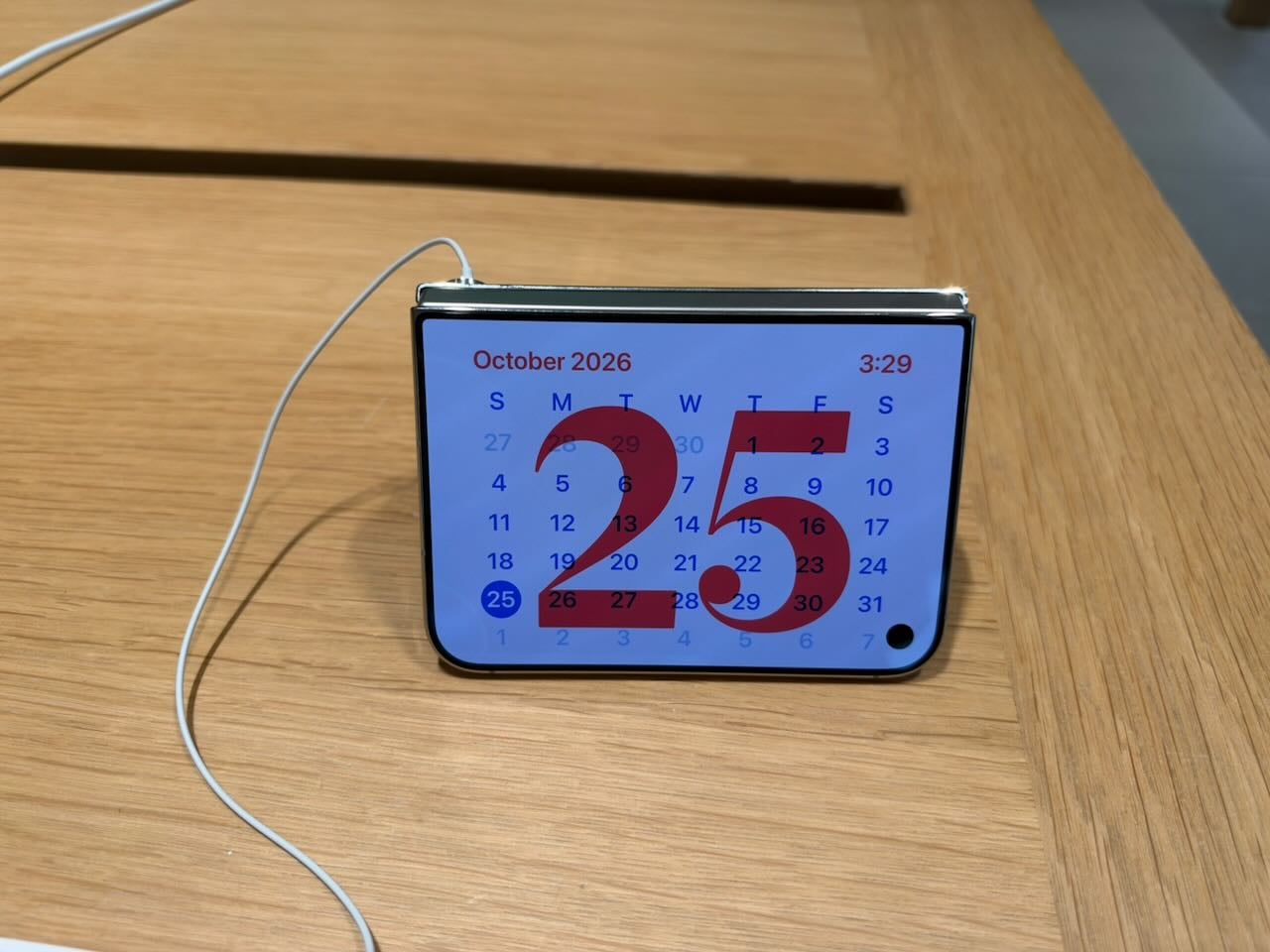
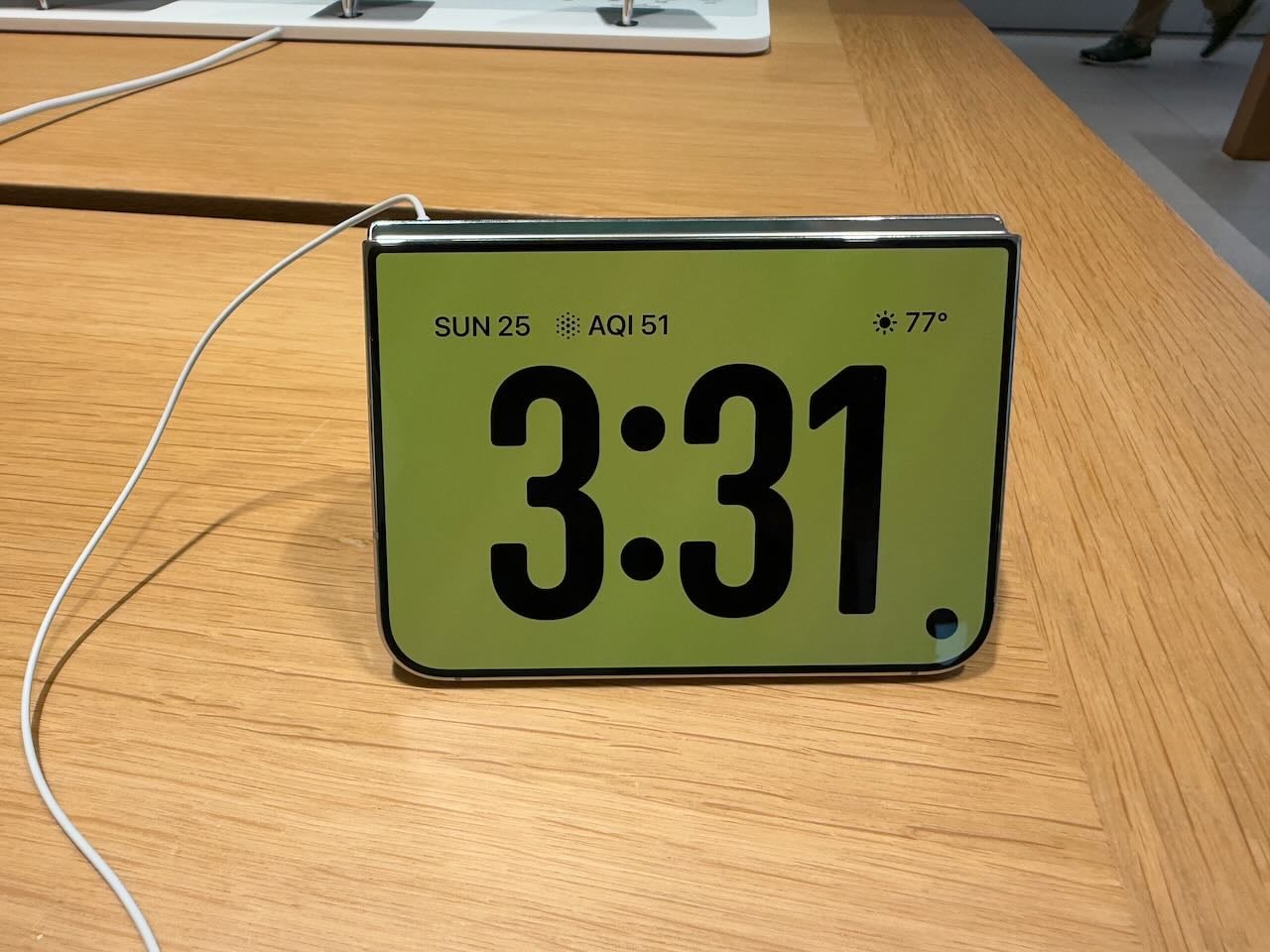
Speaking of partially closing the iPhone, placing it on a table in this position, like a tent, starts StandBy mode, where it can display useful information such as the time or a calendar. That way, even if you are not actively using your iPhone, it can show useful information at a glance. With my iPhone 18 Pro Max, I can only expeirence StandBy mode when I place my iPhone on a charger. Of course, placing it on a charger is useful because it recharges the iPhone, something missing in the iPhone Duo’s tent mode.
I also liked that you can use the Main camera on the iPhone Duo to take a selfie picture. Just face the camera lens towards you. On the outer screen next to the camera, there is an area you can swipe to activate that screen. That way, you use the Main camera to take your picture—which is much better than the selfie camera hidden under the screen—while still seeing yourself so you can frame your shot. Just remember that when it is time to take the picture, you should focus your gaze on the camera, not on the screen showing your face, to avoid taking a picture in which you are looking off to the side
Overcoming the limitations
Becuase a hinge connects the two sides, the obvious question is whether using the iPhone Duo in its open mode is distracting because of the crease in the middle. Apple’s engineers solved this one. The nano‑texture finish does a fabulous job of hiding the crease. And of course, a nano‑texture finish has other advantages, such as reducing glare. However, it does come at a cost: for example, the color black is less black than it is on a glossy screen. (The front of the iPhone Duo has a glossy screen.)
When the iPhone Duo is opened, a self-facing camera is hidden beneath the screen. (Something similar is on my iPhone 18 Pro Max where the Face ID camera is hidden under the screen.) Again, Apple’s engineers did a great job with this one. You only rarely notice it, and I never find it distracting. I had to take quite a few pictures at different angles, and then crop the picture quite a bit, to end up with this picture where you can even notice it:
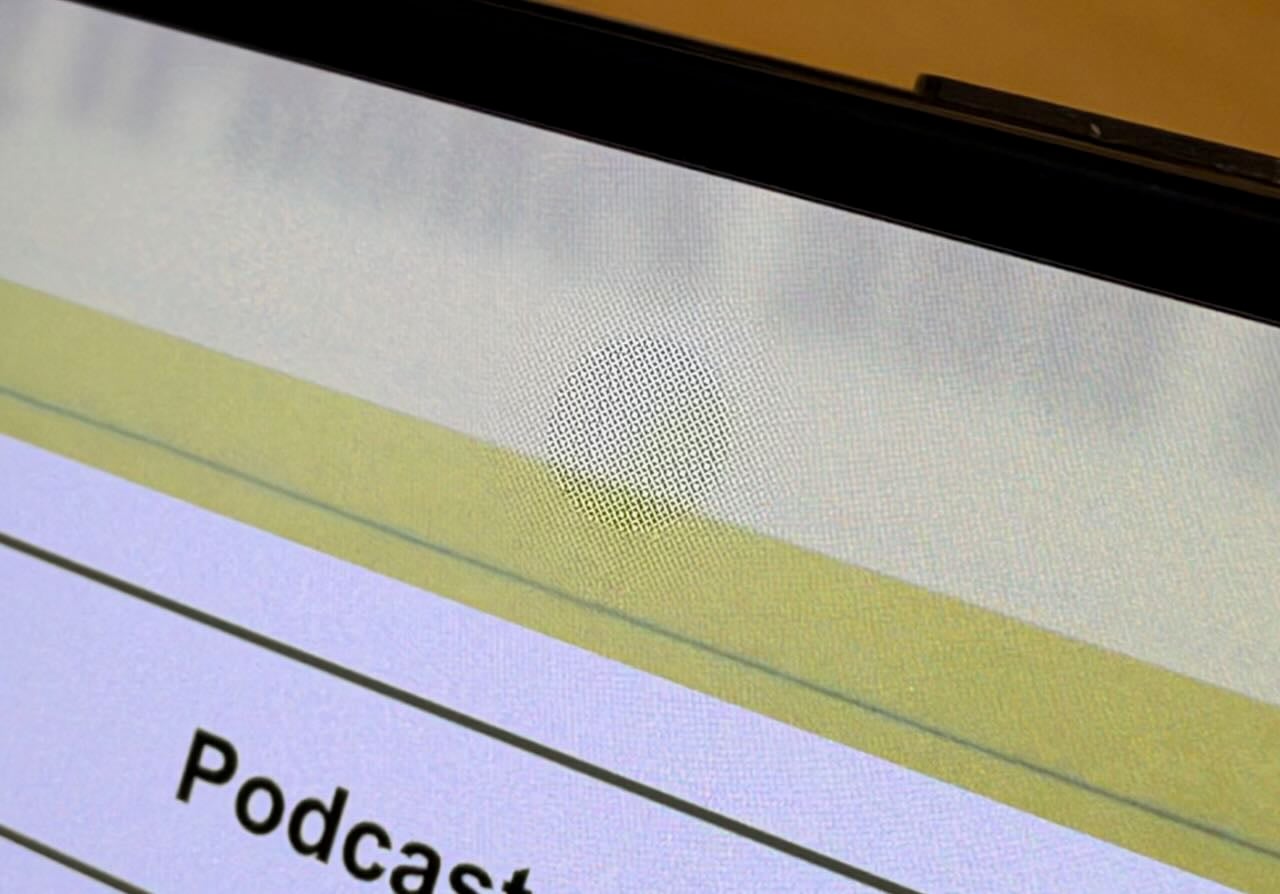
Note that the selfie camera quality is somewhat disappointing. If you want to take a picture of yourself, turn the iPhone Duo around and use the approach I described above. On the other hand, if you are just having a FaceTime conversation with a friend and camera quality isn’t a top priority, I suppose this selfie camera will be fine.
Conclusion
Many people will appreciate and love the iPhone Duo. If you want an iPad form factor that can easily fit in your pocket, the iPhone Duo is perfect. If you want an iPhone that is different and delightful, this is the one to get. If you want to make new friends, get the iPhone Duo: just like walking around with a cute puppy, I’m sure people will introduce themselves to you so they can check out this new device.
But if you want to use an iPhone as an iPhone, then I don’t think that the iPhone Duo is for you. The smaller screen is frequently frustrating. And opening up the iPhone Duo is not a fix because you are then getting something more like an iPad experience, not an iPhone experience. Moreover, because of the aspect ratio, it often feels like you are getting the worst of both worlds.
If I used an iPhone Duo as my iPhone, I would miss my iPhone 18 Pro Max every day. And using both devices simultaneously would be expensive and unnecessary because, most of the time, I’m in a place where my iPad Pro is within easy reach, and its much larger screen is far more useful than an open iPhone Duo. As a result, I just canceled my order for an iPhone Duo. I suppose that means someone in the world behind me in line will get their iPhone Duo a little earlier, and I’m happy to do my small part to make some iPhone Duo enthusiast even happier.
Don’t get me wrong: I’m amazed by this device. It is Apple at its finest. I spent most of my day on Saturday researching and writing an opposition brief using my Apple Vision Pro. I had a big virtual window with Westlaw open to my left; I had a big virtual window with Microsoft Word open in front of me; I had a big virtual window with PDF Expert to my right, showing me my opponent’s Memorandum to which I was responding, and I was able to work at my dining room table instead of upstairs in my study, so I was able to talk to my wife from time to time while I was working. I love my Apple Vision Pro and use it frequently, but I am keenly aware it is an expensive device that is only right for some people. The iPhone Duo is similar. For some people, it will be amazing. But the rest of us will want to stick with our more traditional iPhone designs.