
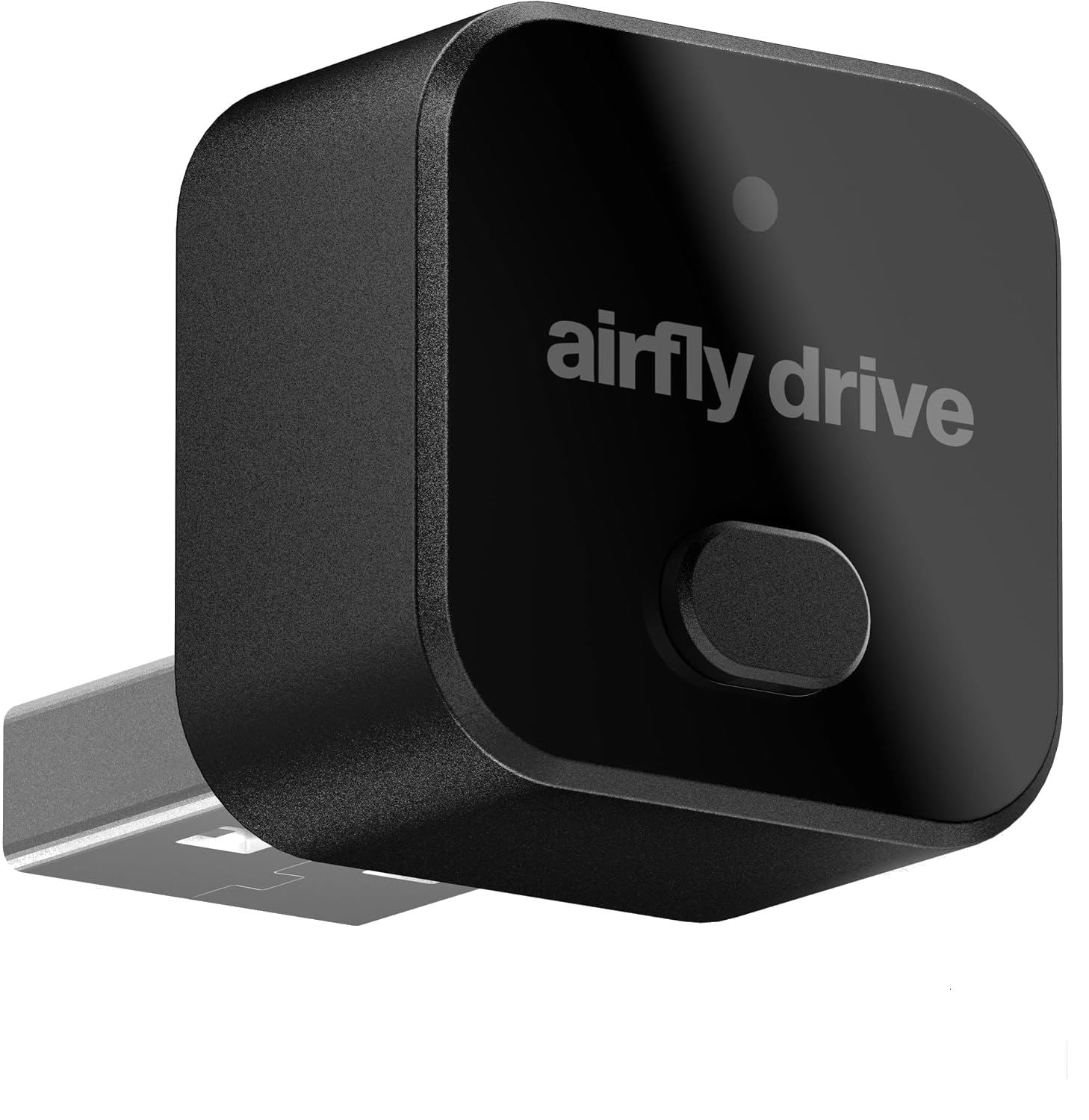
Most cars that support Apple CarPlay require you to connect a USB cable from your car to your iPhone. Some newer cars support wireless CarPlay, which is nice because your car connects to your iPhone automatically. Twelve South—a company with a long history of making excellent accessories for Apple products—recently released the AirFly Drive ($39.99 on Amazon), a tiny device that plugs into your car’s USB port to add support for wireless CarPlay. I bought one, and I’ve been using it for about a week. I love it, and I recommend that you check it out.
The device is tiny, less than an inch long and wide. The idea is that once you plug it into your USB port, you can barely even see it.
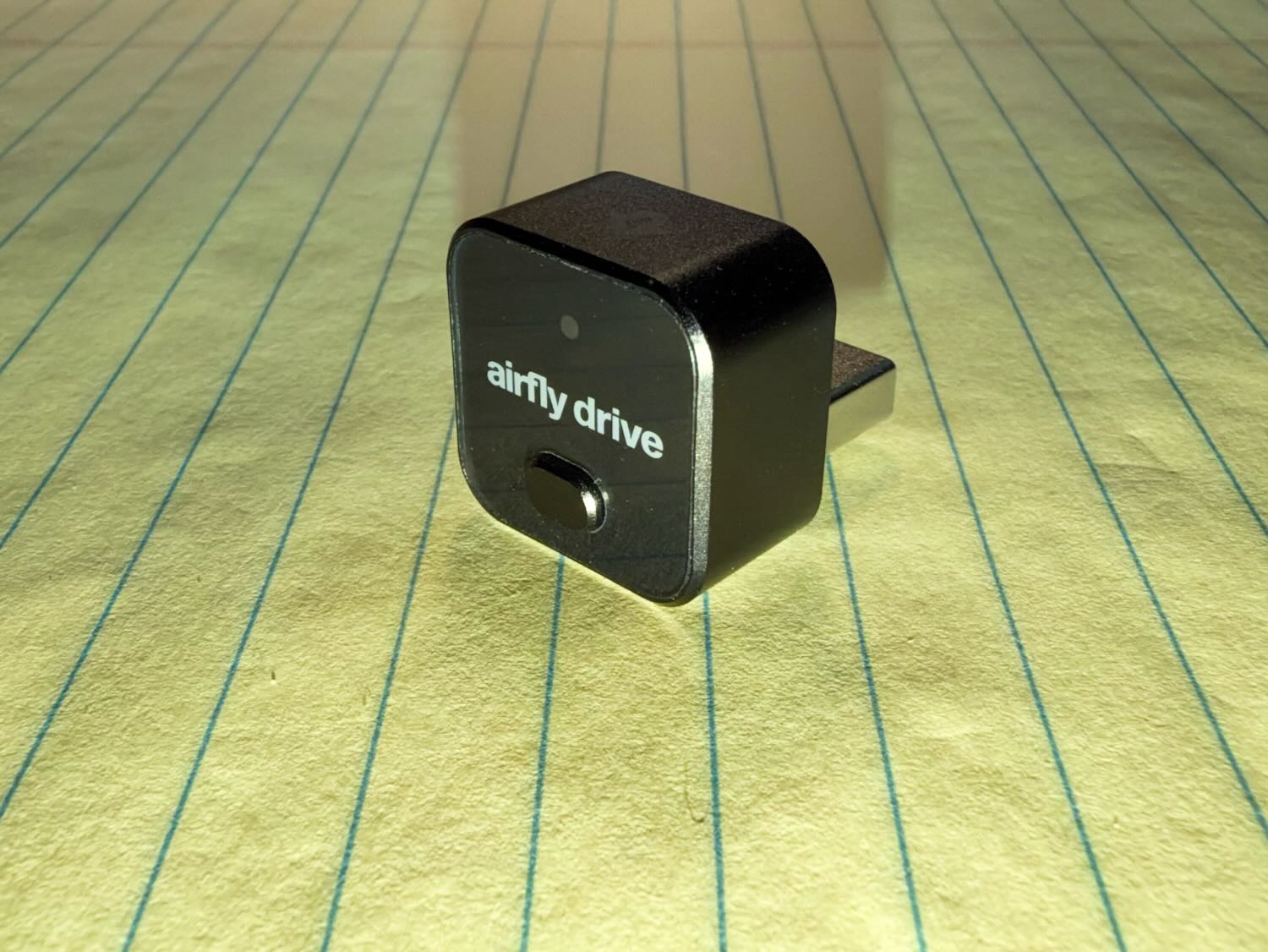
In my car (a Honda Accord), my USB port for CarPlay is in a compartment in my center console with a cover that lifts up and then closes. Thus, you definitely cannot see it in my car, once I close the cover.
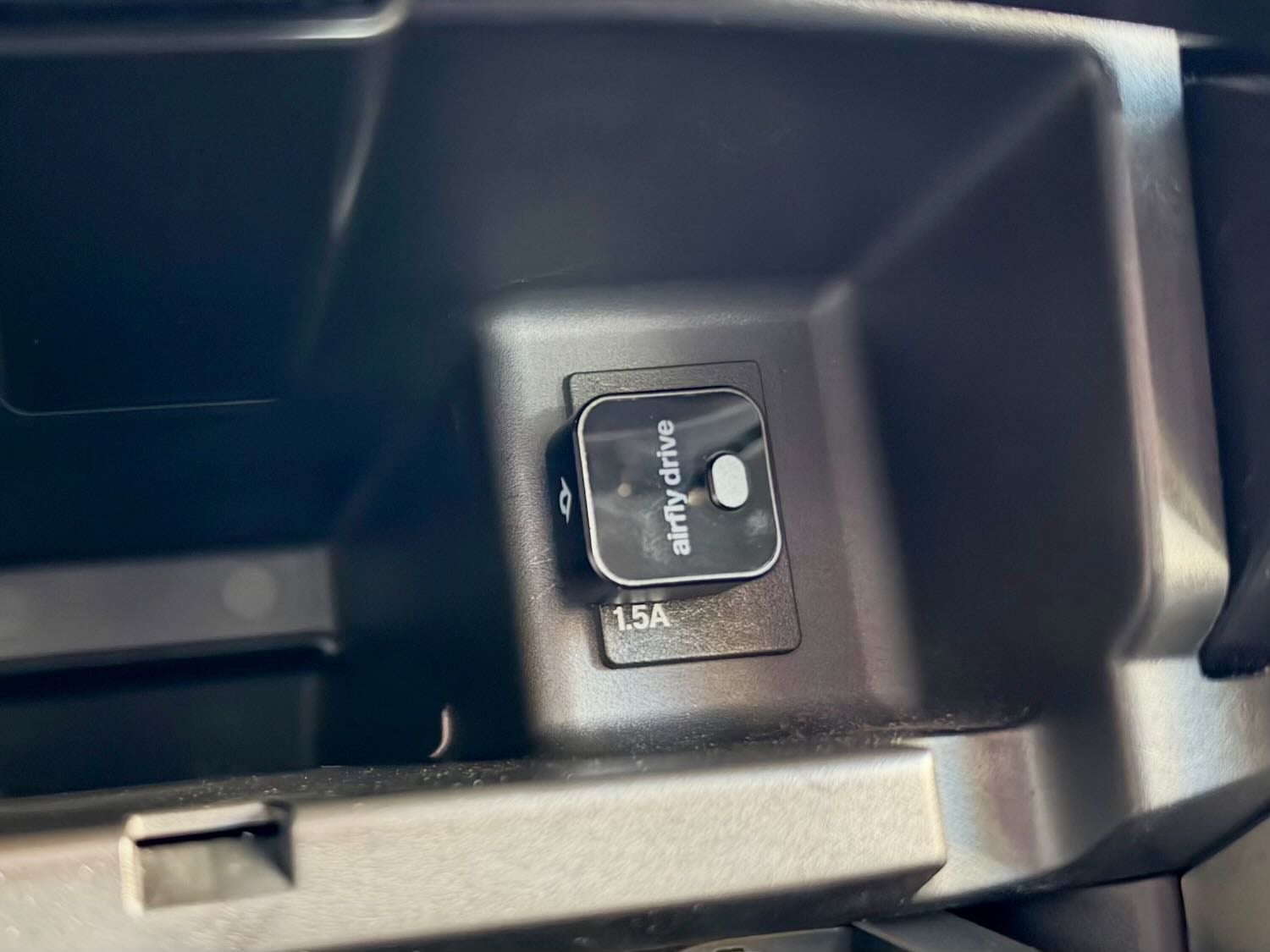
If your car uses USB-C instead of USB for CarPlay, the AirFly Drive comes with a USB-C to USB dongle.
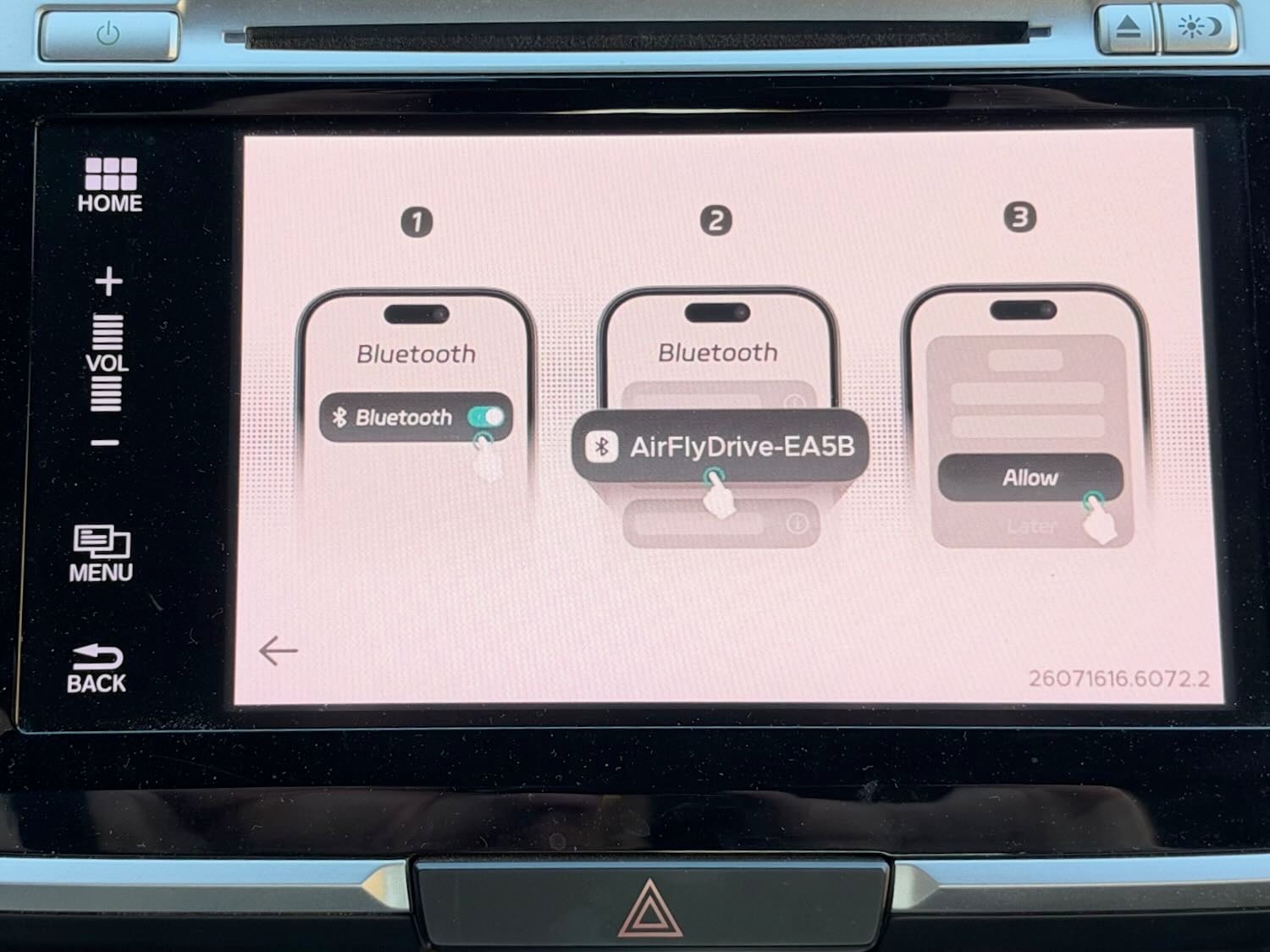
When your car starts up, just before you see the CarPlay screen, you see the AirFly Drive screen for about a second or so. That screen gives you directions for connecting to your iPhone via Bluetooth, but you only have to do so once. After that initial pairing, your iPhone connects automatically after you start your car.
Once connected, you get the same CarPlay experience you have probably used for years. Everything just works. The only change I have noticed is that when I use the buttons on my steering wheel (for example, to fast-forward), there is a very tiny delay before my iPhone responds. I don’t find it annoying, but it is something that I can notice.
Wireless CarPlay is nice because you can get in your car and start driving without worrying about pulling out your iPhone, connecting it with a cable, and finding a place to store your iPhone with that cable connected while driving. I typically keep my iPhone in my shirt pocket, and it is nice to just leave it there while I am driving. When I arrive at my destination, I can just turn off my car and go, without having to deal with the cable. If you keep your iPhone in a purse, briefcase, etc., you’ll appreciate the convenience even more than I do. As a bonus, I don’t have to worry about the cable getting in my way while I am driving.
I used to think I would always prefer a wired connection so I could charge my iPhone while I use CarPlay. If you rely on the time in your car to keep your iPhone sufficiently charged, this product is not for you. But I typically have plenty of battery life on my iPhone. Moreover, most of my car trips are so short that the time I would spend charging doesn’t make much difference anyway. When I am in my office, I often put my iPhone on a charger to take advantage of StandBy mode (to see a clock, my calendar, etc.), and that mode keeps my iPhone fully charged.
The next time I take a very long drive, I may disconnect the AirFly Drive and use the cable to keep my iPhone charged over that extended distance. But for my daily driving, I prefer the wireless CarPlay experience.
If you share your car with someone else, a small button on the AirFly Drive lets you switch between two Bluetooth connections. Now that my daughter is in college, I’m not sharing my car with anyone, so I haven’t tested that button.
Twelve South is not the first company to make a product like this, but Twelve South is a company that I trust because I’ve used its products for years. For example, the original AirFly device (here is my 2018 review; the product has been updated since then) plugs into the audio port on an airplane so that you can use your AirPods with the plane’s built-in entertainment system.
If you want to try out wireless CarPlay even though your car doesn’t natively support it, this small and inexpensive device is worth checking out. I think that you will like it.
Click here to get the Twelve South AirFly Drive from Amazon ($39.99).